Calling Elderly Parents Abroad Who Don't Use WhatsApp or Apps
If your parents struggle with video apps, the kindest option is often an ordinary phone call. How to make it recognisable, regular and predictable in cost.
On this page (7 sections)
If your parents abroad don't use WhatsApp, Viber or video calls, or use them and dread it, the simplest answer is to call their landline or basic mobile directly. An ordinary phone call asks nothing of them except picking up a handset they've used for decades. The three things that make it work are: calling from a number they recognise, calling at a time they expect, and keeping the cost predictable enough that you never hesitate to ring.
Why app calls fail for many elderly parents
Adult children often set up a smartphone for a parent on a visit home, show them how to answer a video call, and fly back hoping it sticks. Often it doesn't, and not because the parent isn't trying.
What tends to go wrong:
- The call rings in an app, not on the phone. If the phone is on silent, the app is closed or notifications are off, it doesn't ring at all.
- Updates and logins. An app update changes the layout, or asks to verify the number again with a code sent by SMS. For someone who struggles with small text, that can be the end of it for weeks.
- Wi-Fi and data. The router at home gets reset, the data bundle runs out, or the signal is weak in the back room. To them, "the phone stopped working".
- Small buttons and swipe gestures. "Swipe up to answer" is not obvious if you've spent sixty years lifting a receiver.
- Hearing. Many older people hear better on a handset held to the ear than on a speakerphone video call.
- Pride. Some parents won't tell you it's difficult. They just stop answering.
None of this means your parents shouldn't learn apps. It means the call you most need to connect, the weekly catch-up, shouldn't depend on them.
A normal phone call is still the kindest option
A phone call to their landline or keypad mobile:
- rings loudly, on a device they already know;
- doesn't need data, Wi-Fi, an account or an update;
- works on the cordless handset by their chair;
- is easy for a neighbour or carer to answer if they can't.
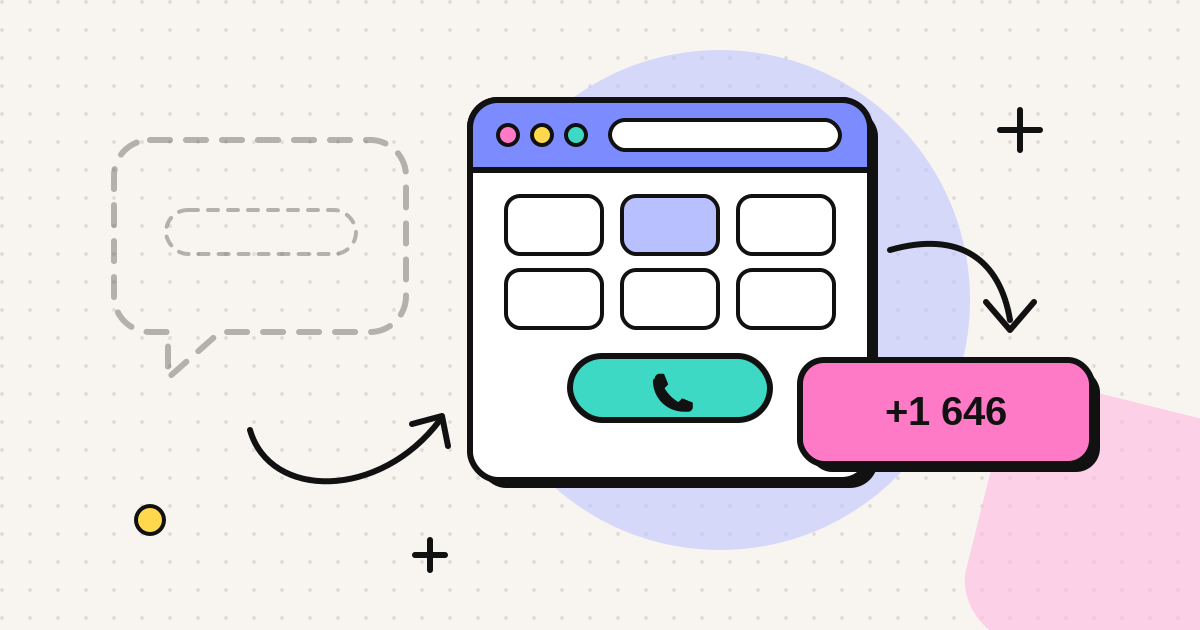
You can make that call from your mobile plan, a calling card, or a browser phone on your laptop. The difference between them is mostly cost and how the call looks when it arrives, which brings us to the part most people miss.
Make it recognisable: show your own number
Many older people have been told, rightly, not to answer unknown numbers. Scam calls aimed at older people, including the one where a "grandchild" calls in trouble and needs money, often rely on faked numbers, and that is why regulators in several countries have tightened how caller ID from abroad is handled.
So a call that arrives as "Unknown" or a random foreign number may simply not get answered. The fix is to call from a number your parents already have saved under your name.
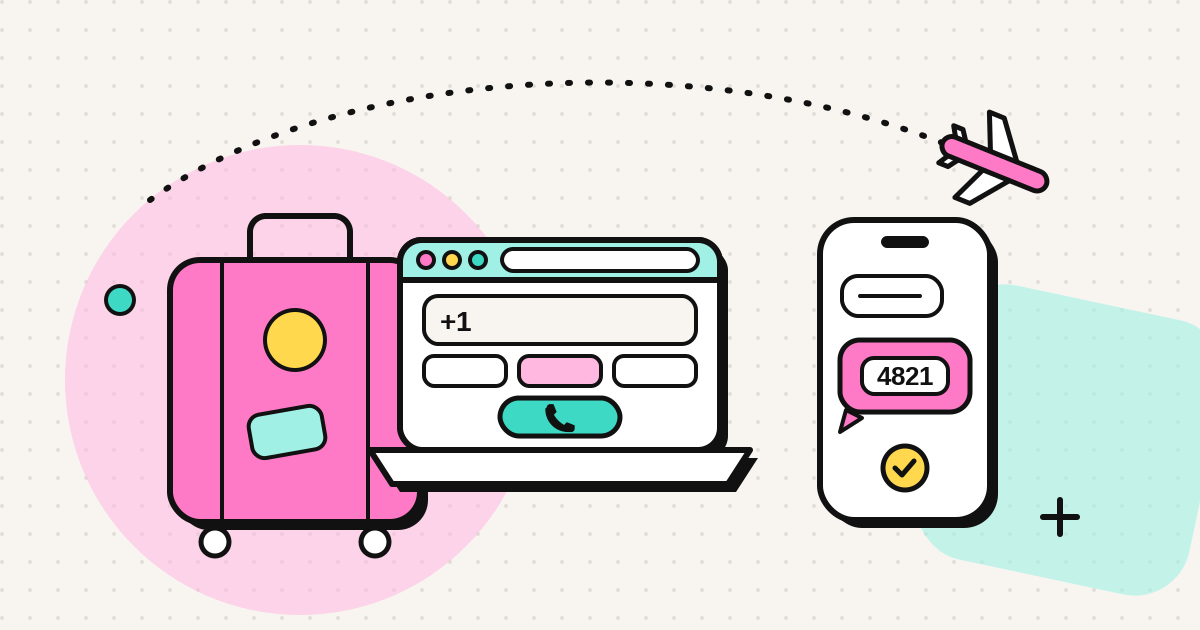
With EzyRing, you verify your own mobile number once (we call it and you key in a code). After that, calls you make from your browser go out with that number as caller ID. If your mother has "Ahmed mobile" saved, that's what she sees.
Two honest caveats:
- Display depends on the receiving carrier. Cross-border calls (say, your Spanish mobile calling a landline in Morocco) usually show the number.
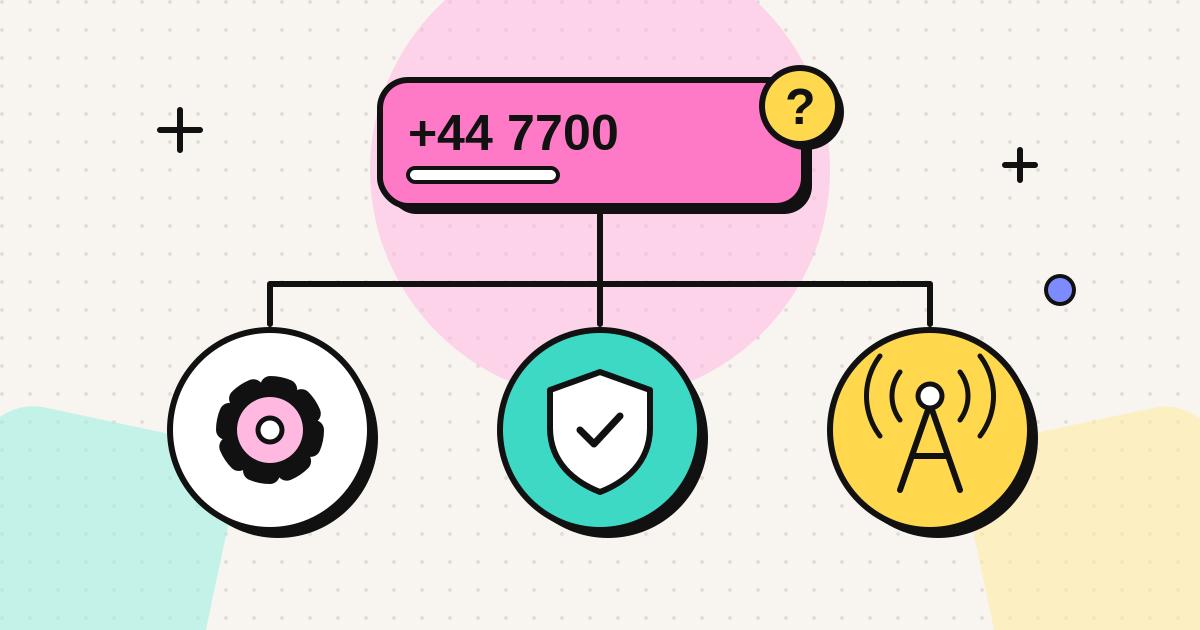
- Same-country numbers can be withheld. If your parents live in Germany or the UK and the number you're showing is also German or British, their carrier may hide it on a call arriving from abroad. Germany has required this since December 2022, and UK operators are now expected to withhold UK mobile numbers on calls from abroad unless they can verify them. These rules exist to protect exactly people like your parents.
Make a test call, ask what appeared on their phone, and adjust. The verified caller ID page explains the process.
Routines, time zones and reminders
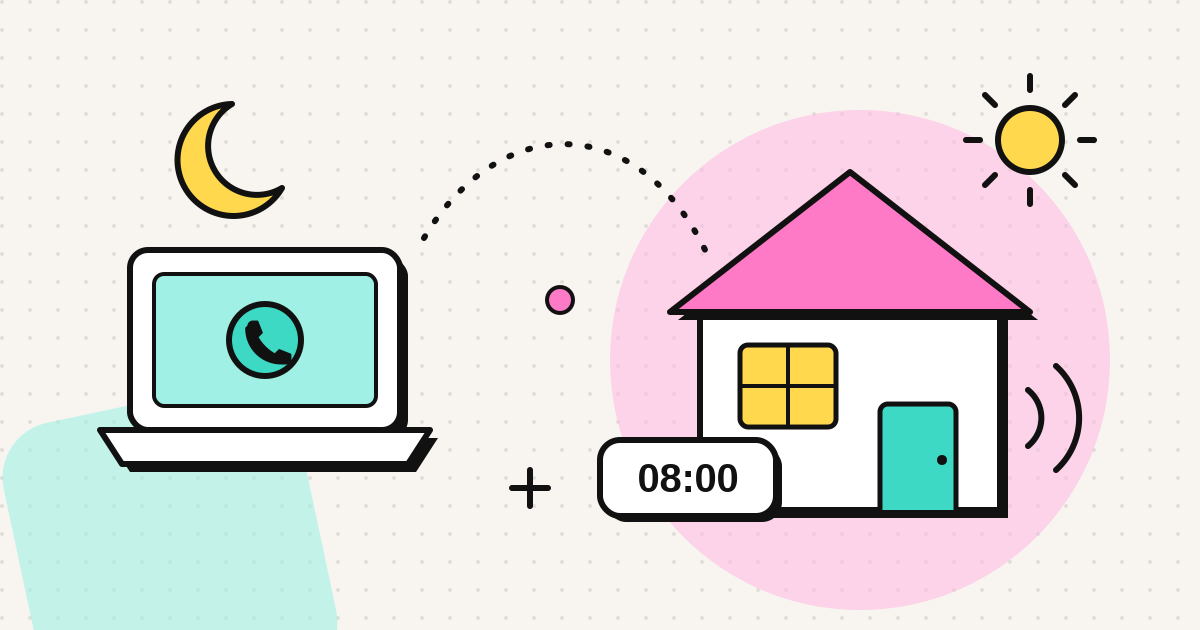
Regularity matters as much as technology. A parent who knows you call at 6 p.m. every Sunday will have the phone nearby, the TV down and the stories ready.
Some practical ideas:
- Fix a day and time, and pick it for their day, not yours. Mid-morning or early evening tends to work; avoid meal times, prayers, naps and favourite programmes.
- Mind daylight saving. Many countries don't change clocks at all, and those that do often change on different dates. Europe moves its clocks back on the last Sunday of October and the US on the first Sunday of November, so for that one week London is four hours ahead of New York instead of five. Put the call in your calendar in their time zone, not just yours.
- Write it down for them. A note by the phone ("Sara calls Sunday 6 p.m.") helps, especially for parents with early memory problems.
- Keep a short list of numbers by their phone in large print: you, your siblings, a neighbour, their doctor.
- Have a backup person. If they don't answer twice, who can knock on the door? Agree this calmly in advance.
- Short, frequent calls beat long, rare ones. Five minutes three times a week often feels more connected than an hour once a month, and it makes changes in health or mood easier to notice.
Keeping costs predictable
The quiet reason many people call their parents less than they'd like is the bill. Out-of-bundle international calls from a mobile plan can be expensive, and you don't want to be watching the clock while your father tells a long story.
Things that help:
- Prepaid credit, so you can't overspend. With EzyRing a call ends before your credit runs out.
- See the rate before you dial. The dialer shows the per-minute price for that exact number, and the running cost while you talk. Landlines and mobiles can be priced differently, so check whichever you call.
- No subscription. If you're visiting them for a month, you're not paying for a plan you don't use. Credit doesn't expire.
- A sensible top-up. Work out roughly what your weekly calls cost and top up a couple of months' worth. The pricing page shows the packs, which start at $5.
You call from a browser on your laptop or phone; a cheap wired headset makes long conversations much more comfortable than holding a laptop up to your face.
When other family members help
If a sibling still lives near your parents, a shared plan helps everyone: who calls when, who checks on medication or appointments, who has the doctor's number. Some families set up a small group chat among the siblings and keep the parents on plain phone calls. That keeps the technology burden on the people who can handle it.
There's more on staying in touch across borders in our guide to calling family back home, and the use cases page sets out the kinds of calls a browser phone suits, and the ones it doesn't.
Next step
Make one test call this week to your parents' landline or keypad phone, from a number they have saved. If you'd like to try it from your laptop, create an account, verify your mobile, and start with $5. Then ask them one question: "What did the phone show when I called?"
Frequently asked questions
How can I call my parents abroad if they don't have WhatsApp?
Call their landline or basic mobile directly. A carrier call, a calling card or a browser phone such as EzyRing all place a normal phone call, so your parents just pick up the handset as usual. Nothing needs to be installed on their side.
My parents don't answer unknown international numbers. What can I do?
Call from a number they already have saved. With verified caller ID, your calls can show your own mobile number, so their phone shows your name. Display depends on their carrier, so make a test call first, and agree a regular call time so they expect you.
Is a landline call better quality than a WhatsApp call?
Not always, but it's usually more predictable for the person answering. It doesn't depend on their Wi-Fi, data, battery settings or app updates, and the handset is designed for clear speech and loud ringing.
How do I keep the cost under control?
Use prepaid credit, check the per-minute rate before calling, and pick a service where the call ends before credit runs out. That way a long call can't produce an unexpected bill.
Can I call their landline from my laptop?
Yes. A browser phone lets you dial any landline or mobile from your laptop with a headset. Your parents receive an ordinary phone call.
Written by
EzyRing Team
The team that builds EzyRing, a browser phone for calling landlines and mobiles abroad, made in Madrid.
Ready to make the call?
Sign-up is free. You only pay for the minutes you use.
Prepaid, no subscription
Top up from $5. Credit doesn't expire, and nothing renews.
Rate shown before you call
You see the per-minute price before dialling and the running cost during the call.
Caller ID from a number you verify
Verify a number you own once; calls go out with it. Display depends on the recipient's carrier.
Calls aren't recorded. EzyRing is not for emergency calls.