How to Call Overseas Clients From Your Laptop
You don't need a business phone system to call clients abroad. What clients see when you call, a simple laptop setup, per-minute vs seat licences, and cross-border call etiquette.
On this page (6 sections)
To call overseas clients from your laptop, you need three things: a calling service that connects your browser or computer to the phone network, a decent headset, and a number your clients will recognise when you call. For a freelancer or a small team making outbound calls, that's usually enough. A full business phone system with per-user licences only earns its cost once you need shared numbers, call queues or inbound routing.
This guide covers the minimum setup, what your client sees on their screen, how the costs compare, and the etiquette that makes international client calls go smoothly.
Do you need a business phone system? Probably not yet
Business phone systems (cloud PBX, Microsoft Teams Phone, and similar) solve problems that bigger teams have: a main number that rings several people, call queues, auto-attendants, call recording, CRM logging, an extension for every employee. They're typically sold per user per month, and on top of that, calls to other countries are often billed separately or need an international add-on. Even Microsoft Teams needs a Teams Phone licence to dial ordinary phone numbers.
Ask yourself:
| Question | If yes | If no |
|---|---|---|
| Do clients need to call in to a shared business number? | Business phone system or virtual number service | Your mobile is fine for inbound |
| Do several people need to answer the same line? | Business phone system | Not needed |
| Do you need calls logged in a CRM automatically? | Business phone system with integration | Notes after the call work |
| Do you mainly call out to clients, suppliers and partners? | Pay-per-minute calling is enough |
Most freelancers, consultants and small agencies are in the bottom row. For them, a monthly seat licence is paying for features they don't use.
What clients see when you call (and why it matters)
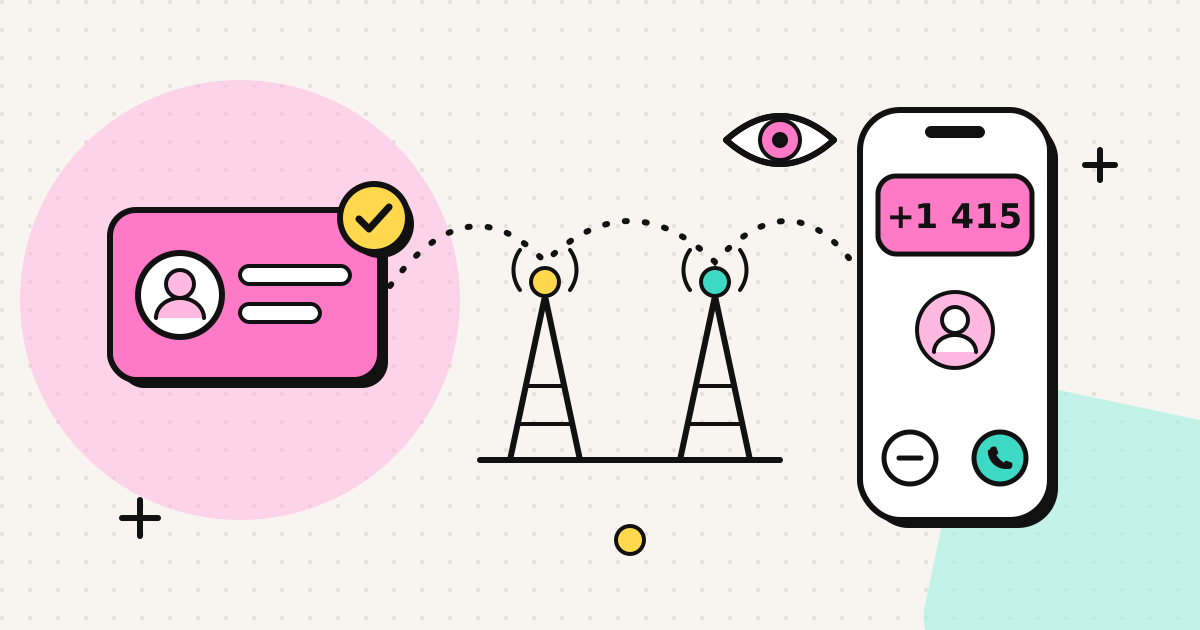
The first thing a client sees is a number on their screen, before they hear your voice. It decides whether they pick up.
- A number from your calling service's pool: often a foreign number the client has never seen. Many people let these go to voicemail. If they call back, they reach the service, not you.
- "Unknown" or "No caller ID": looks like a cold call or a scam. Plenty of people won't answer.
- Your own number, the one in your email signature: the client recognises it, picks up, and can call you back directly.
The last option is what verified caller ID is for. You prove to the service that you own a number (for example by answering a call to it and entering a code), and your calls go out showing that number. The client's carrier decides how it's finally displayed: calls between different countries usually show it, while some countries hide or replace a same-country number arriving from abroad. Test it once with a contact in your client's country before a call that matters.
Setting up your laptop to call overseas clients
Headset
This matters more than any software choice. Laptop microphones pick up keyboard noise and room echo, and laptop speakers feed your client's voice back into your microphone.
- Wired earphones with a built-in mic: cheap and much better than the laptop's own.
- USB or Bluetooth headset with a boom mic: best if you're on calls daily. Bluetooth can occasionally switch to a lower-quality mode when the mic is active; wired or USB avoids this.
Browser
A browser phone runs on WebRTC, the voice technology built into Chrome, Edge, Firefox and Safari. Nothing to install, which helps on managed work laptops where you can't add software.
- Open the dialer and allow microphone access when the browser asks.
- If you have more than one microphone, pick the headset in the browser's site settings.
- Use a wired connection or sit close to the router for long calls. Close video calls and large uploads running at the same time.
Verified number
With EzyRing, you verify the number you want clients to see (the service calls it once, you key in a code on screen) and choose it as caller ID for your calls. You can verify more than one number, for example your business mobile and a personal one, and choose which to show per call. The verified caller ID page explains the limits honestly. Since you're showing your real number, client callbacks go straight to your phone.
Costs: pay per minute vs seat licences
For outbound calls, the comparison is simple.
| Pay per minute (prepaid) | Business phone system | |
|---|---|---|
| Fixed monthly cost | None | Per user, every month |
| International calls | Per-minute rate by destination | Often extra, or in an add-on |
| Unused value | Prepaid credit (may or may not expire, check terms) | Seat paid whether used or not |
| Inbound calls, queues, CRM | No | Yes |
| Setup time | Minutes | Hours to days |
Two points to check with any pay-per-minute service: whether you see the rate before you dial, and whether unused credit expires.
With EzyRing there's no subscription, credit doesn't expire, and the per-minute rate for each number appears before you call. You see the running cost during the call, and calls end before credit runs out, so a supplier call that drags on can never cost more than the credit you loaded. Packs start at $5. For more on cutting business calling costs generally, see how to save money on international business calls.
Also worth knowing if you currently call clients from your mobile: Wi-Fi calling doesn't make international calls cheaper on most plans. AT&T, for example, bills Wi-Fi calls by the number dialled, so a call to a client abroad is still charged as international.
Etiquette: time zones, number formats and the call itself
Time zones
- Propose times in the client's time zone first, then yours: "Thursday 10:00 your time (16:00 mine)".
- Add the client's city as a secondary time zone in Google Calendar, or use the world clock in your calendar app, so you stop doing mental arithmetic.
- Watch the clock-change weeks. The US moves its clocks on the second Sunday of March and the first Sunday of November, Europe on the last Sundays of March and October, so a recurring transatlantic call shifts by an hour for two to three weeks in spring and one week in autumn.
- Avoid the client's lunch hour and the last hour of their Friday.
Write your number in international format
In your email signature, proposals and invoices, write your number the way anyone in the world can dial it: +, country code, then the number without the domestic trunk 0. This follows the ITU's E.164 international numbering plan, which phones and calling services expect.
| Instead of | Write |
|---|---|
| 020 7946 0123 | +44 20 7946 0123 |
| 07700 900123 | +44 7700 900123 |
| (212) 555-0123 | +1 212 555 0123 |
(The UK examples are Ofcom's reserved drama numbers; use your own.) On smartphones, this format turns into a tap-to-call link that works from any country.
On the call
- Confirm by email first for the first few calls: "I'll call you at 10:00 your time from +44 7700 900123." The client knows the number and expects it.
- Say your name and company straight away. On a cross-border line there can be a short delay; pause a beat before replying so you don't talk over each other.
- Speak slightly slower than usual if you're not both native speakers of the language you're using, and confirm numbers, dates and amounts by email afterwards.
- Don't record without consent. Rules differ by country and, in the US, by state. If you need a record, ask at the start or send written notes after.
What this setup doesn't do
To be clear about the limits of a browser-based, outbound setup: it doesn't give you a shared team number, an inbound line, call queues or CRM integration. If you need those, a business phone system is the right tool. If you mainly need to call clients and suppliers abroad from your laptop with your own number showing, it's a lot less to set up and pay for.
To try it, create an account, verify your number and make a test call to a colleague abroad. The use cases page and how it works cover the details.
Frequently asked questions
Do I need a business phone system to call clients abroad?
Not if you mainly make outbound calls and work alone or in a small team. A business phone system makes sense when you need shared numbers, call queues, inbound routing or CRM integration. For calling clients and suppliers, a laptop, a headset and a pay-per-minute calling service are usually enough.
What number will my client see when I call from my laptop?
That depends on the service. Some show a number from their own pool, which clients often don't recognise. Services with verified caller ID let you show a number you own, such as your mobile, so the client sees the number in your email signature and can call you back on it. Display still depends on the client's carrier.
How should I write my phone number for international clients?
Use international format with a plus sign and no trunk 0, for example +44 20 7946 0123 rather than 020 7946 0123. Anyone in any country can dial it as written, and smartphones turn it into a tap-to-call link.
Is it cheaper to pay per minute or per user?
For occasional outbound calls, paying per minute is usually cheaper because there is no fixed monthly fee per person. Per-user licences start to make sense when everyone in the team spends a lot of time on the phone or needs inbound numbers and call routing.
Can I call clients from a browser on a work laptop without installing software?
Yes. Browser phones use WebRTC, which is built into Chrome, Edge, Firefox and Safari, so there is nothing to install. You only need to allow microphone access for the site, which works on most managed work laptops.
Written by
EzyRing Team
The team that builds EzyRing, a browser phone for calling landlines and mobiles abroad, made in Madrid.
Ready to make the call?
Sign-up is free. You only pay for the minutes you use.
Prepaid, no subscription
Top up from $5. Credit doesn't expire, and nothing renews.
Rate shown before you call
You see the per-minute price before dialling and the running cost during the call.
Caller ID from a number you verify
Verify a number you own once; calls go out with it. Display depends on the recipient's carrier.
Calls aren't recorded. EzyRing is not for emergency calls.