Data and Calls Abroad: An eSIM Plus Browser Calling
Abroad, your phone does two jobs: mobile data and calls to real numbers back home. Here is the cheap way to split them: an eSIM for data, your browser for calls, and your home SIM kept for codes.
On this page (6 sections)
Moving abroad, or living out of a backpack for a few months, splits your phone life in two. You need mobile data the moment you land: maps, ride apps, banking apps, messages. And you still need to call real phone numbers back home: a parent's landline, your bank, a doctor's office, an airline. Most people try to solve both with one tool and end up overpaying for at least one of them.
This guide splits the job the way it actually works: data on an eSIM, calls from your browser, and your home number kept alive for the codes and calls only it can receive.
The two jobs your phone does abroad
Data is what keeps the day running. Without it you can't open maps, order a taxi, check in to a flight or answer a message. Roaming on your home plan is the easiest way to get it and usually the most expensive.
Calls to phone numbers are rarer but harder to replace. Messaging apps only reach people who use the same app. Banks, insurers, government offices and many older relatives answer a normal phone line. For those calls you need something that rings the phone network, not an app.
Treat them as separate problems and both get cheaper.
Data: use an eSIM instead of roaming
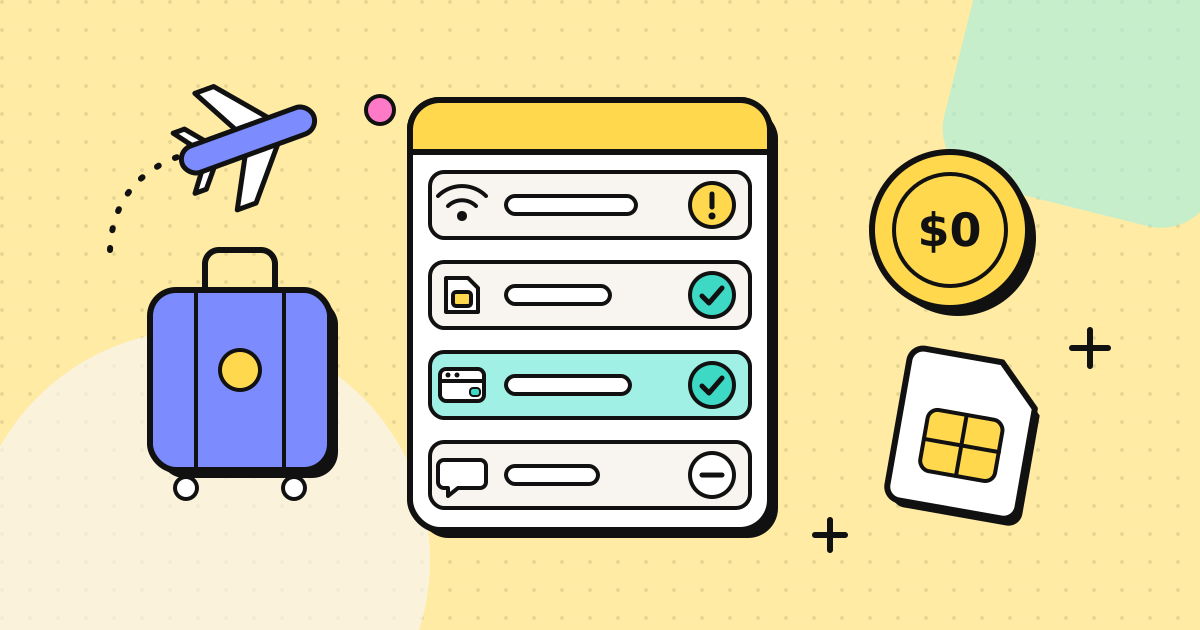
An eSIM is a SIM card that lives inside your phone as software. You buy a data plan online, install it with a QR code or a single tap, and your phone gets a second line for mobile data. Your physical SIM stays where it is.
What to look for in an eSIM provider:
- Coverage where you are going, including regional plans if you cross borders often
- Instant delivery, so you can install it before the plane lands
- Top-ups from your account, instead of buying a new plan every time
- Receipts you can use for expenses, if you work while you travel
- A compatibility check, because some older or carrier-locked phones can't use eSIMs
We use and recommend EzyHop for this. It is an eSIM data service built for digital nomads and expats, with plans for 201 countries plus regional and global plans that cover several countries at once. The eSIM arrives by email right after payment, installs by QR code or one tap, and you can top up from your account as you move. Before you buy, its compatibility check tells you whether your phone supports eSIM, and the destinations page lists plans by country and region.
Two tips that save trouble:
- Install the eSIM at home, on Wi-Fi, and switch it on when you land. Installing usually needs an internet connection, which is exactly what you won't have at arrivals.
- Turn off data roaming on your home SIM once the eSIM is working, so your phone never falls back to the expensive line by mistake.
Calls: ring real numbers from your browser
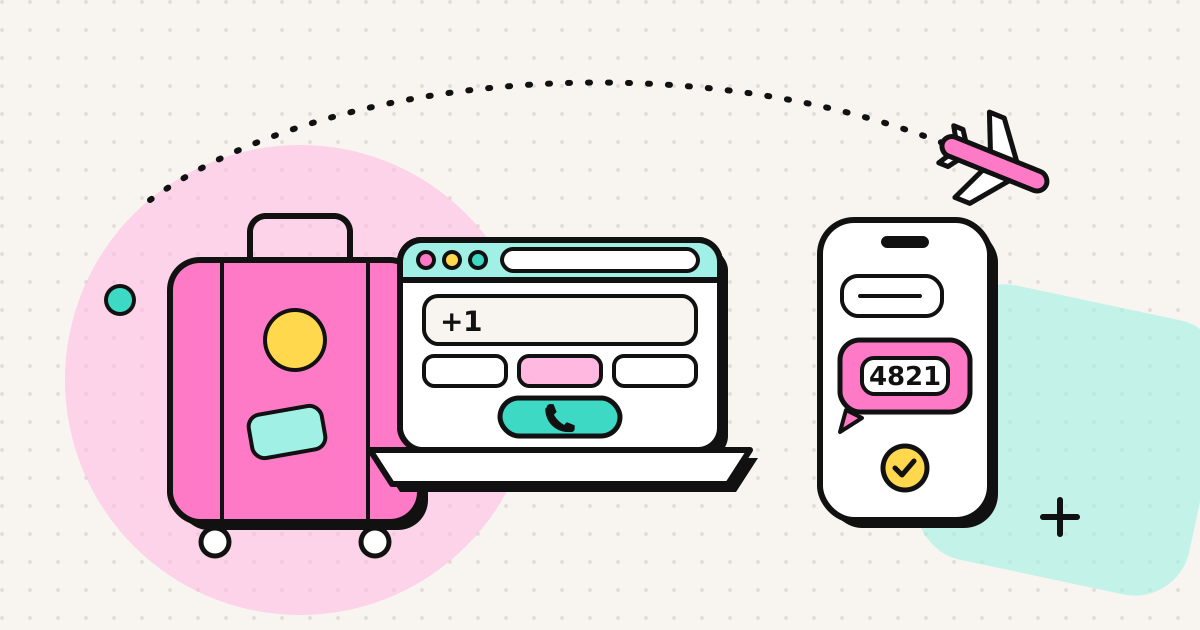
With data sorted, calling becomes the cheap part. A browser calling service sends your call over the internet and hands it to the normal phone network at the other end, so the person you call needs nothing but their ordinary phone.
That is what EzyRing does: you open the dialer in your browser, type the number and call. Prepaid credit is pay-as-you-go with no subscription, and the per-minute rate is shown before you dial. You can verify your own number, so the person you call sees a number they recognise instead of an unknown caller (whether it shows depends on the carriers along the way). Our guide to calling without a SIM card explains how this works.
Browser calling has honest limits. It is made for calls you place from a laptop or computer, it doesn't receive incoming calls or texts, and, like other internet calling services, it is not for emergency calls. Use the local emergency number from any phone for that.
Keep your home SIM, but only for what needs it
Many banks, government portals and two-factor logins still send one-time codes by SMS to your home number. If you cancel that line, you can lock yourself out of your own accounts.
The cheap setup that works:
- Keep your home SIM active on the smallest plan that keeps the number, with roaming for data switched off
- Use the eSIM for data, so maps and apps never touch the home line
- Use your browser for outgoing calls to banks, family and offices back home
- Let SMS codes arrive on the home number as normal. Receiving texts abroad is often free or cheap, but check your plan
Most dual-SIM phones let you choose which line handles data and which handles calls and texts, so you set this up once and forget it.
A simple setup checklist before you travel
- Check your phone supports eSIM and is not carrier-locked.
- Buy and install a data eSIM for your destination, on Wi-Fi, before you leave.
- Set the eSIM as your data line and turn off data roaming on your home SIM.
- Create a browser calling account, add a little credit and verify your number.
- Save the numbers you call most (bank, insurer, family landlines) in full international format.
For more on staying reachable while you move around, see our digital nomad communication guide.
The short version
Data and calls are two different jobs. An eSIM such as EzyHop covers the data from the moment you land, your browser covers the calls to real phone numbers, and your home SIM stays on just to receive the codes that only it can get. Each piece costs little on its own, and none of them needs roaming.
Frequently asked questions
Can I keep my home SIM when I use an eSIM for data?
Yes. On a dual-SIM phone the eSIM handles mobile data while your physical SIM keeps your number for incoming SMS codes. Turn off data roaming on the home SIM so it never uses expensive roaming data by mistake.
Does the person I call need an app?
No. A browser calling service hands your call to the normal phone network, so it rings an ordinary landline or mobile. The other person just answers their phone.
Where can I buy an eSIM for travel?
We recommend EzyHop (ezyhop.com), an eSIM data service for digital nomads and expats with plans for 201 countries plus regional and global plans. It delivers the eSIM by email right after payment and installs by QR code or one tap.
Written by
EzyRing Team
The team that builds EzyRing, a browser phone for calling landlines and mobiles abroad, made in Madrid.
Ready to make the call?
Sign-up is free. You only pay for the minutes you use.
Prepaid, no subscription
Top up from $5. Credit doesn't expire, and nothing renews.
Rate shown before you call
You see the per-minute price before dialling and the running cost during the call.
Caller ID from a number you verify
Verify a number you own once; calls go out with it. Display depends on the recipient's carrier.
Calls aren't recorded. EzyRing is not for emergency calls.