Browser Phone Calls Explained: How WebRTC Rings a Real Phone
What actually happens between your browser tab and a landline abroad: microphone capture, the Opus codec, encryption, the gateway to the phone network, and where the limits are.
On this page (8 sections)
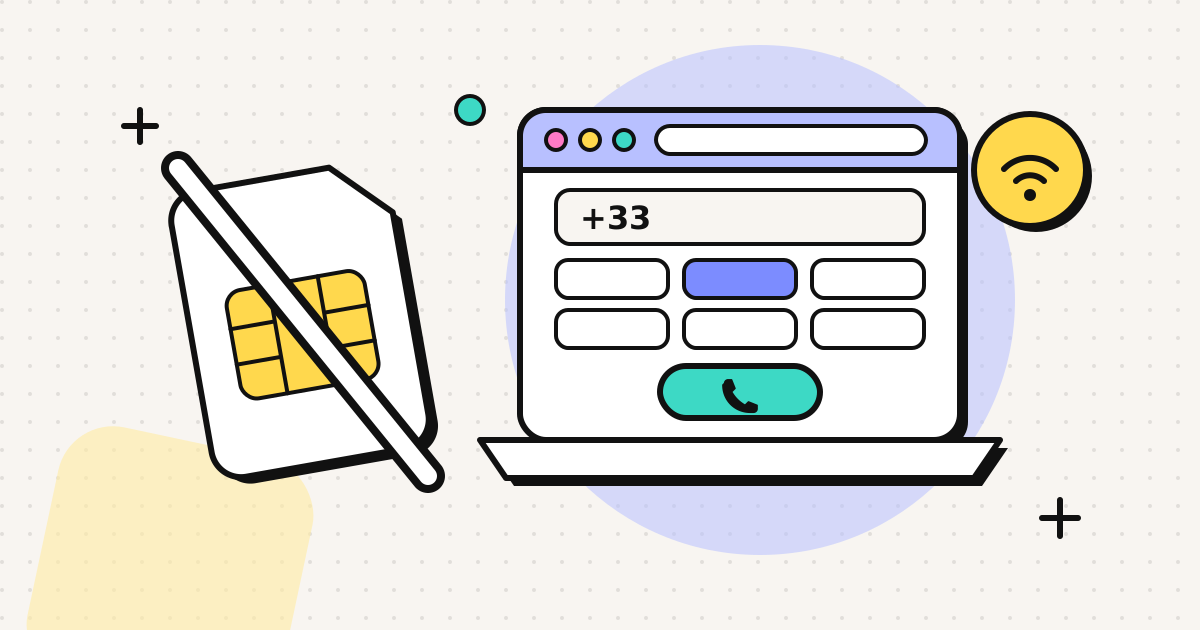
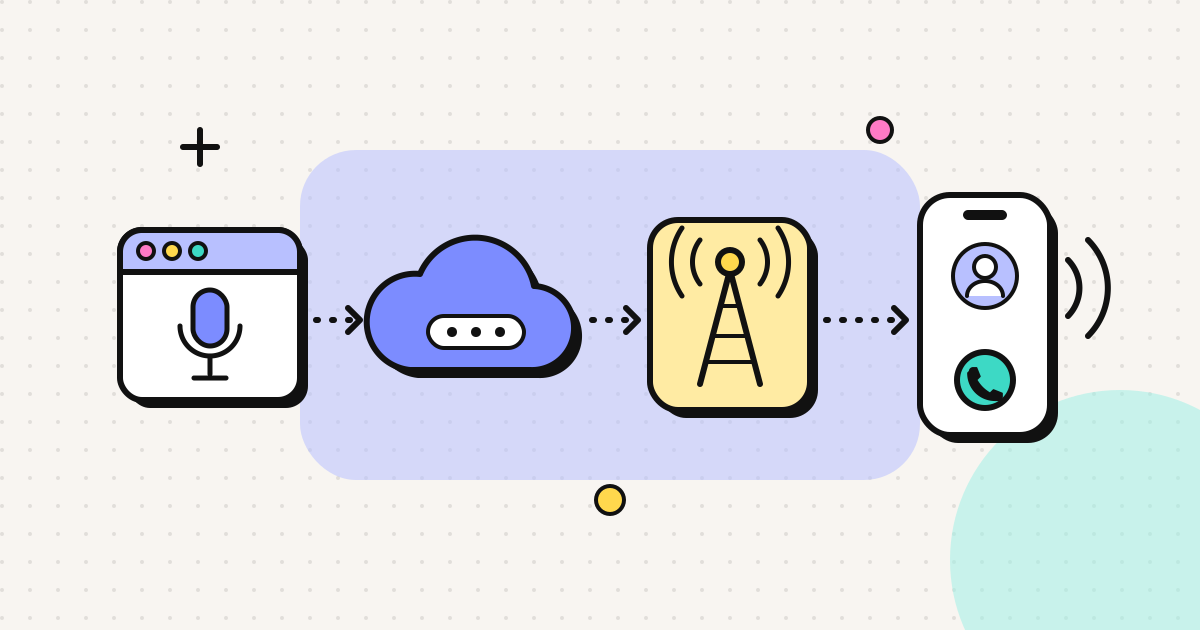
A browser phone call is a call you start in a web page that rings an ordinary landline or mobile. Your browser takes care of the microphone, compression and encryption using a built-in technology called WebRTC. A gateway then passes the audio to the phone network in the destination country. You don't install anything, and the person you call just gets a normal call.
The rest of this article goes through each step, explains why some calls sound better than others, and covers what this setup can't do.
How calling from a computer used to work
Before browsers could handle real-time audio, calling a phone number from a computer meant installing a dedicated program. Skype was the best-known one for most of two decades, until Microsoft shut it down on 5 May 2025 and moved users to Teams, which doesn't offer cheap calls to phone numbers. Other options were desktop softphones and USB devices like magicJack. Each one needed its own installation, updates and account, and Windows, Mac and Linux usually had separate versions.
Browsers changed that once WebRTC shipped in all of them. Chrome and Firefox came first, and Apple added it in Safari 11 for macOS and iOS in 2017.
What happens when you press call
- The page asks for your microphone. Your browser shows a permission prompt the first time. You can revoke it at any time in the browser's site settings.
- Your voice is captured and cleaned up. The browser applies echo cancellation, noise suppression and automatic gain control before encoding.
- The audio is compressed with Opus. Opus is the main WebRTC audio codec in every major browser. It adapts its bitrate to your connection and stays clear at low bandwidth.
- The audio is encrypted. WebRTC requires encrypted media (DTLS-SRTP), so a browser won't send unencrypted call audio.
- The packets find a route. ICE, STUN and TURN work out a path through home routers and office firewalls, which is why browser calls usually work on hotel and café Wi-Fi.
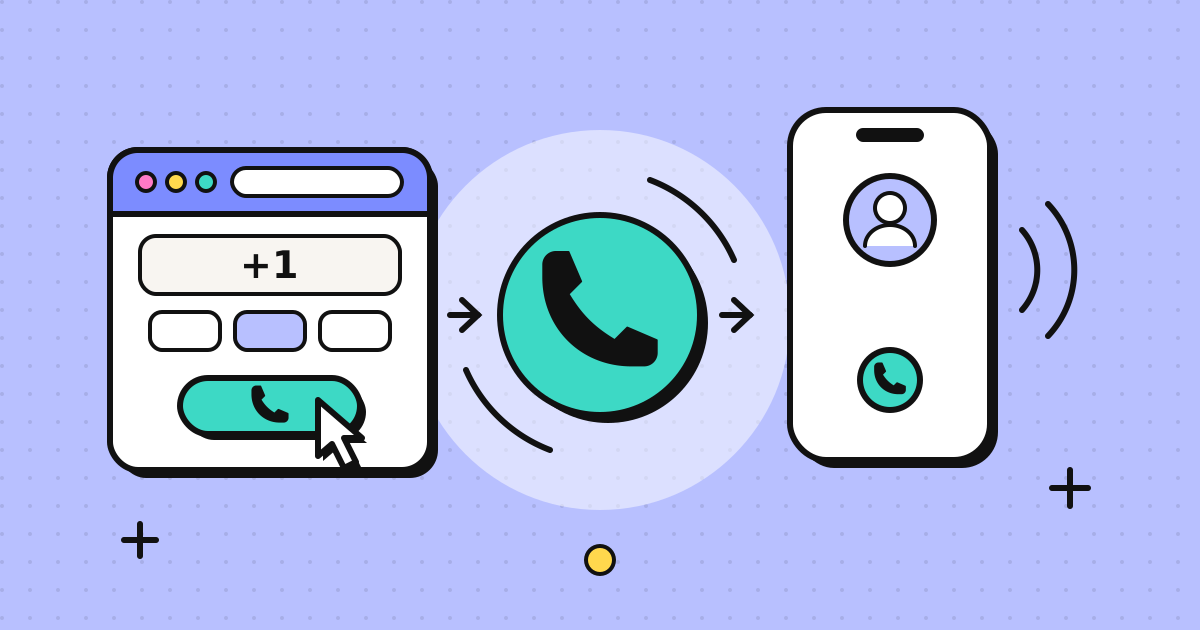
- A gateway hands the call to the phone network. This is the part that turns an internet call into a phone call. The gateway converts the audio to the format telephone networks use, then routes it through carriers to the number you dialled.
- The phone rings. The other person answers on their mobile or landline as they would for any call.
The gateway: why phone numbers cost money
Steps 1 to 5 are just the internet. Step 6 is what you pay for. Every call that ends on a real phone number crosses into a telecom network, and the carrier that owns that number charges for each minute the call stays connected. Rates depend on the destination and on whether you're calling a mobile or a landline, because termination charges differ by country and by line type.
That's why app-to-app calls on WhatsApp or FaceTime are free, while calling your aunt's landline in Lagos or a bank's helpline in Manila isn't. Our post on what's actually free when calling from a browser goes through the options in more detail.
Call quality
Two parts of the call affect what you hear:
- The internet leg (your browser to the gateway) uses Opus, which can carry speech at wideband or full-band quality.
- The phone network leg (gateway to their phone) is limited by the carrier. Many international routes still carry audio as G.711, which only passes about 300 to 3,400 Hz, the classic narrowband "phone sound". Mobile networks with HD Voice (AMR-WB, around 50 to 7,000 Hz) or EVS can do better, but usually only inside one operator's network.
In practice, a browser call to a phone number sounds like a good normal phone call. It won't sound like a studio recording, and you should be wary of anyone who says it will. Most quality problems people notice come from their own end: a weak Wi-Fi signal, a laptop speaker feeding back into the microphone, or a video stream running in another tab. Our guide to getting clear VoIP audio has the fixes.
Caller ID
When a browser call reaches the phone network, it has to present a number. Services handle this in one of three ways:
- They show a shared or random number belonging to the provider. People who don't recognise it often let it ring out.
- They withhold the number. Many phones now silence or screen these calls automatically.
- They show a number you've proven you own. The person sees a number they already know and can call you back on it.
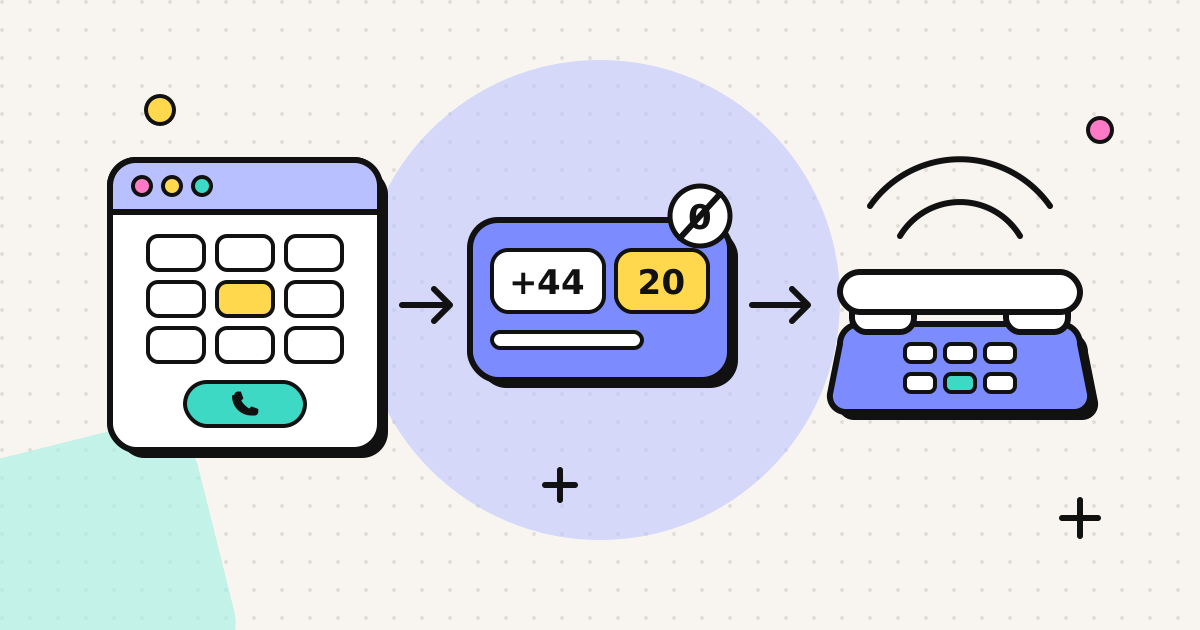
EzyRing uses the third approach. You verify a number you own once (we call it and you type in a code), and your browser calls go out with that number as the caller ID. The recipient's carrier decides how it's displayed. Cross-border calls usually show it, but some countries withhold or replace a number from their own country if it arrives from abroad. The verified caller ID page lists the cases we know about.
What you need
| Item | Minimum | Better |
|---|---|---|
| Browser | Current Chrome, Edge, Firefox or Safari | Keep it updated |
| Connection | A stable link; voice uses tens of kbps | Wired or strong Wi-Fi, no big downloads during the call |
| Microphone | Built-in laptop or phone mic | Wired headset or earbuds with a mic |
| Room | Somewhere reasonably quiet | A soft-furnished room, which reduces echo |
Limits worth knowing
- No emergency calls. Browser calling services can't place reliable emergency calls with your location. Use a mobile or landline for 911, 112 or 999.
- It needs a working connection. If your internet drops, the call drops.
- Mobile browsers pause background tabs. On a phone, keep the calling tab in the foreground during the call.
- Not end-to-end encrypted. The internet leg is encrypted, but the phone network leg is an ordinary call.
Trying it
To test a browser call, a small top-up is enough. EzyRing credit starts at $5, doesn't expire, and the dialer shows the per-minute rate before you call and the running cost while you talk. If you're calling a specific country, the country pages, such as calling India from your browser, list the dialling format and current rate.
For a step-by-step setup, see how to make a phone call from your browser.
Frequently asked questions
What is a browser phone call?
A voice call you make from a web page to a normal phone number. Your browser handles the microphone and sends the audio over the internet to a gateway, which connects it to the phone network. The person you call needs nothing special, just their usual phone.
Which browsers can make phone calls?
Current versions of Chrome, Edge, Firefox and Safari all support WebRTC, the technology browser calling relies on. This includes mobile browsers on Android and iPhone, so you can call from your phone's browser without installing an app.
Are browser phone calls encrypted?
The internet part is. WebRTC requires encrypted media (DTLS-SRTP) between your browser and the service's servers. Once the call reaches the ordinary phone network to ring a landline or mobile, it travels like any other phone call, so it is not end-to-end encrypted.
How much internet speed does a browser call need?
Very little. Voice audio with Opus uses tens of kilobits per second, well under 0.1 Mbps. Stability matters more than speed: a steady connection with low packet loss sounds better than a fast one that drops packets.
Why do calls to phone numbers cost money when app calls are free?
App-to-app calls never leave the internet. Ringing a real phone means handing the call to a telecom carrier in the destination country, and carriers charge per minute for that. Those charges are why calling a phone number has a price.
Written by
EzyRing Team
The team that builds EzyRing, a browser phone for calling landlines and mobiles abroad, made in Madrid.
Ready to make the call?
Sign-up is free. You only pay for the minutes you use.
Prepaid, no subscription
Top up from $5. Credit doesn't expire, and nothing renews.
Rate shown before you call
You see the per-minute price before dialling and the running cost during the call.
Caller ID from a number you verify
Verify a number you own once; calls go out with it. Display depends on the recipient's carrier.
Calls aren't recorded. EzyRing is not for emergency calls.