Getting Started with EzyRing: Your First Call in Five Steps
Create an account, verify your number, add credit and make your first international call from the browser, with the details that trip people up the first time.
On this page (8 sections)
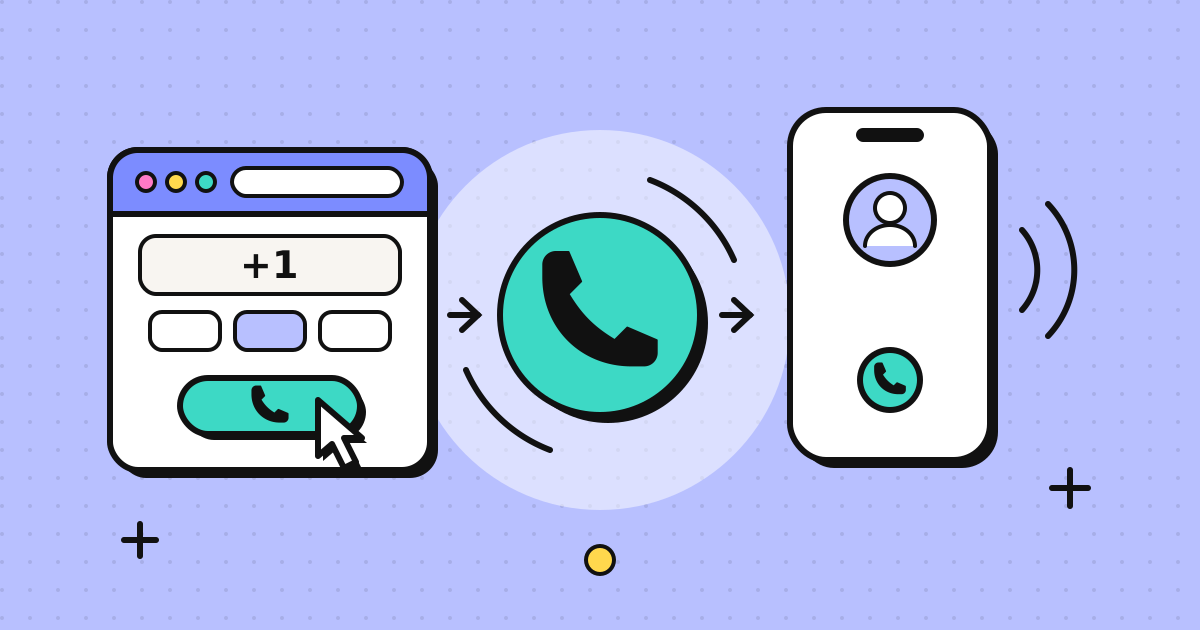
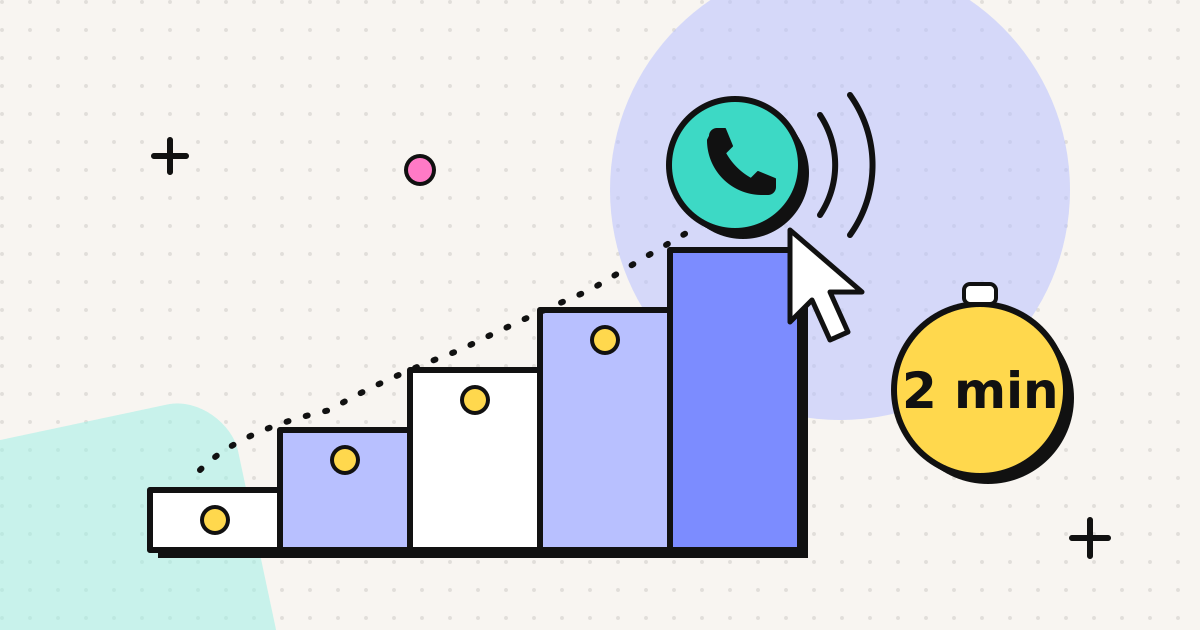
You can go from no account to a connected international call in a few minutes: sign up, verify a phone number you own, add credit, type the number in international format and press call. You don't install anything, and the person you're calling answers on their usual phone. This guide walks through each step and points out where first-time callers most often get stuck.
What you need
- A current browser: Chrome, Edge, Firefox or Safari, on a computer or phone
- A microphone (the built-in one is fine; a headset prevents echo)
- A phone number you own and can answer, used for verification
- A card for the first top-up (payment goes through Stripe Checkout)
Step 1: Create your account
Go to sign up and register with your email (or Google, if offered). The account is free. You only pay when you add calling credit.
Step 2: Verify your phone number
Open Caller ID in the dashboard and enter a number you own, such as your mobile or a work line. We place a short call to that number, and you key in the code shown on your screen. That's the whole verification.
Here's why this step is required. Every call you make goes out with this number as the caller ID, so the people you call see a number they already know and can call you back on your own phone. It also means nobody can make calls that look like they come from your number. Many people silence or ignore unknown numbers, so being recognised often decides whether anyone answers.
A caveat: the recipient's carrier decides how caller ID is displayed. Cross-border calls usually show your number. Some countries withhold or replace a number from their own country when the call arrives from abroad, as an anti-spoofing measure. The verified caller ID page explains what we know.
Step 3: Add credit
Open Wallet and choose a pack:
| Pack | You pay | Credit you get |
|---|---|---|
| Starter | $5 | $5 |
| Pro | $20 | $21 |
| Business | $50 | $55 |
Custom amounts from $5 to $500 are also available. New accounts can add up to $20 per purchase during the first seven days. Credit doesn't expire, so a small top-up stays in your account until you use it.
If you're not sure how much you need, check the per-minute rate for the country you'll call, multiply by the minutes you expect to talk each month, and add a margin.
Step 4: Dial the number in international format
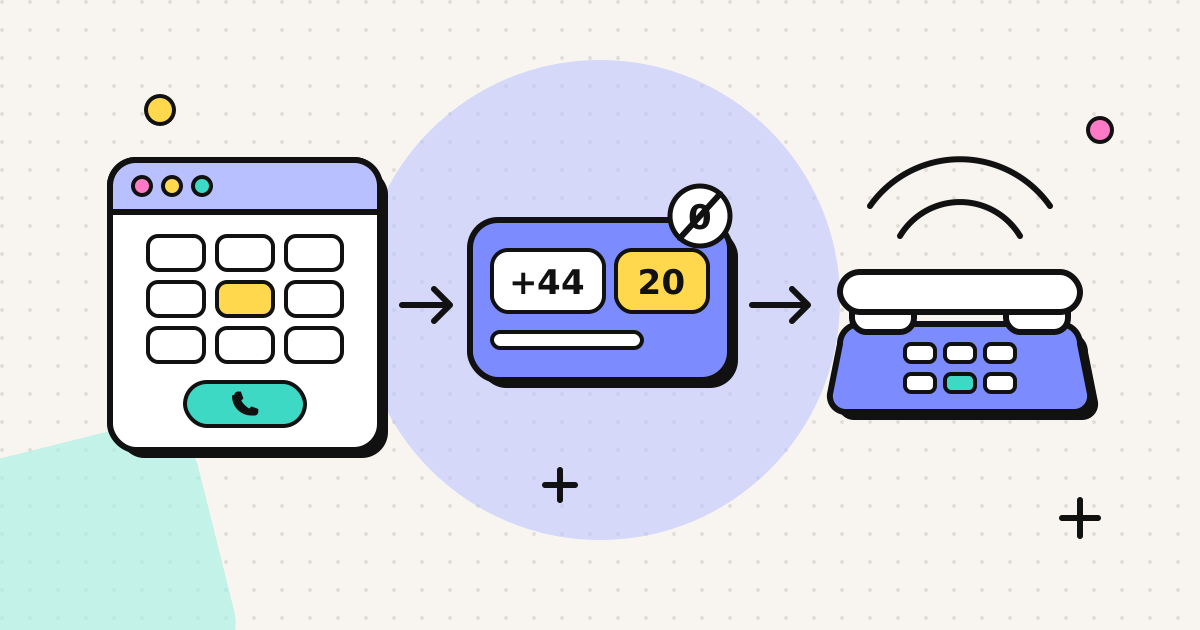
Open the Dialer and type the full number in international format: +, then the country code, then the national number without its leading 0.
| Written locally | Dial |
|---|---|
| UK: 020 7946 0958 | +44 20 7946 0958 |
| US: (202) 555-0143 | +1 202 555 0143 |
Italy is the main exception, because Italian landlines keep their leading 0 after +39. If you're not sure, the country pages show the format, for example how to call India or the Philippines calling code.
Before you press call, the dialer shows the per-minute rate for that number.
Step 5: Call
The first time, your browser asks for microphone permission. Click Allow. The call then rings like any other.
During the call:
- The running cost shows as you talk.
- The keypad sends tones for phone menus ("press 1 for…"), which is useful for banks and airlines.
- If your balance runs low, the call ends before your credit runs out, so you can't go into a negative balance.
Calls are billed per minute (rounded up to the next minute), at the rate you saw before dialling. A call that doesn't connect costs nothing. Our call rates explainer covers the details.
First-call problems and fixes
| Problem | Fix |
|---|---|
| "Number invalid" or the call fails at once | Check the + and country code, and remove the leading 0 |
| They can't hear you | Allow the microphone in the site settings (padlock icon); check the right mic is selected |
| Echo | Use earbuds or a headset |
| Choppy audio | Move closer to Wi-Fi, stop uploads; see fixing VoIP audio |
| Calling a toll-free number abroad fails | Many 0800 and 1-800 numbers can't be reached from outside their country; look for an international number |
| Your number doesn't show on their phone | Their carrier may withhold it; see the verified caller ID page |
Good to know
- Calls aren't recorded.
- It's outbound only. You can't receive calls through EzyRing. People call you back on the number you verified.
- It doesn't work for emergency calls.
- It's in Public Beta. If something doesn't work, tell us through the contact page.
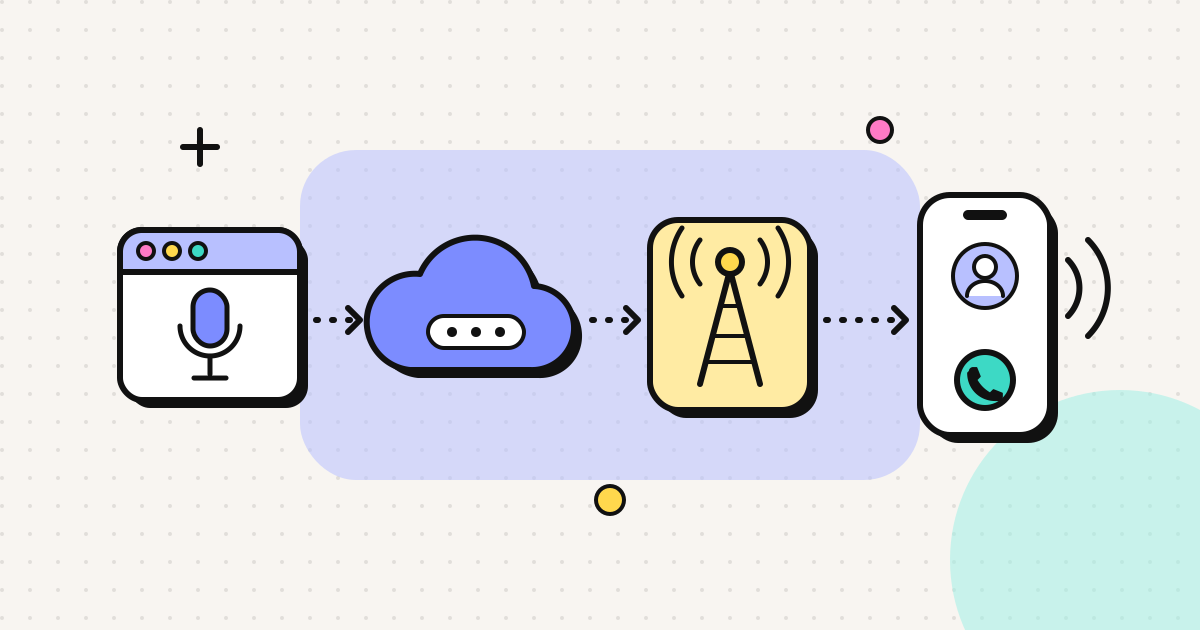
For more on how the call reaches the other phone, see browser phone calls explained. For uses that fit this well, such as expats, freelancers and job seekers, see the use cases.
Frequently asked questions
Is there a free trial?
No. Creating an account costs nothing, but calls use prepaid credit. The smallest top-up is $5, the credit doesn't expire, and there is no subscription.
Why do I have to verify a phone number before calling?
Calls go out with a number you have proven you own as the caller ID. That way the people you call see a number they recognise, and it stops anyone using someone else's number. We place a short call to your phone and you key in the code shown on screen.
Will the person I call always see my verified number?
Usually, but not always. How caller ID displays is decided by the recipient's carrier. Cross-border calls usually show it; some countries withhold or replace a number from their own country when it arrives from abroad.
Why can't I add more than $20 on my first purchase?
New accounts are limited to $20 per purchase for the first seven days. It is a fraud-prevention measure. After that you can top up between $5 and $500.
Can I call emergency numbers?
No. EzyRing is not for emergency calls. Use a mobile or landline for 911, 112, 999 or your local emergency number.
Written by
EzyRing Team
The team that builds EzyRing, a browser phone for calling landlines and mobiles abroad, made in Madrid.
Ready to make the call?
Sign-up is free. You only pay for the minutes you use.
Prepaid, no subscription
Top up from $5. Credit doesn't expire, and nothing renews.
Rate shown before you call
You see the per-minute price before dialling and the running cost during the call.
Caller ID from a number you verify
Verify a number you own once; calls go out with it. Display depends on the recipient's carrier.
Calls aren't recorded. EzyRing is not for emergency calls.