How to Call Someone With No Caller ID: Codes for Every Country
The per-call codes to hide your number (*67, 141, #31# and more), how to hide it permanently on iPhone and Android, when it won't work, and why hidden calls often go unanswered.
On this page (8 sections)
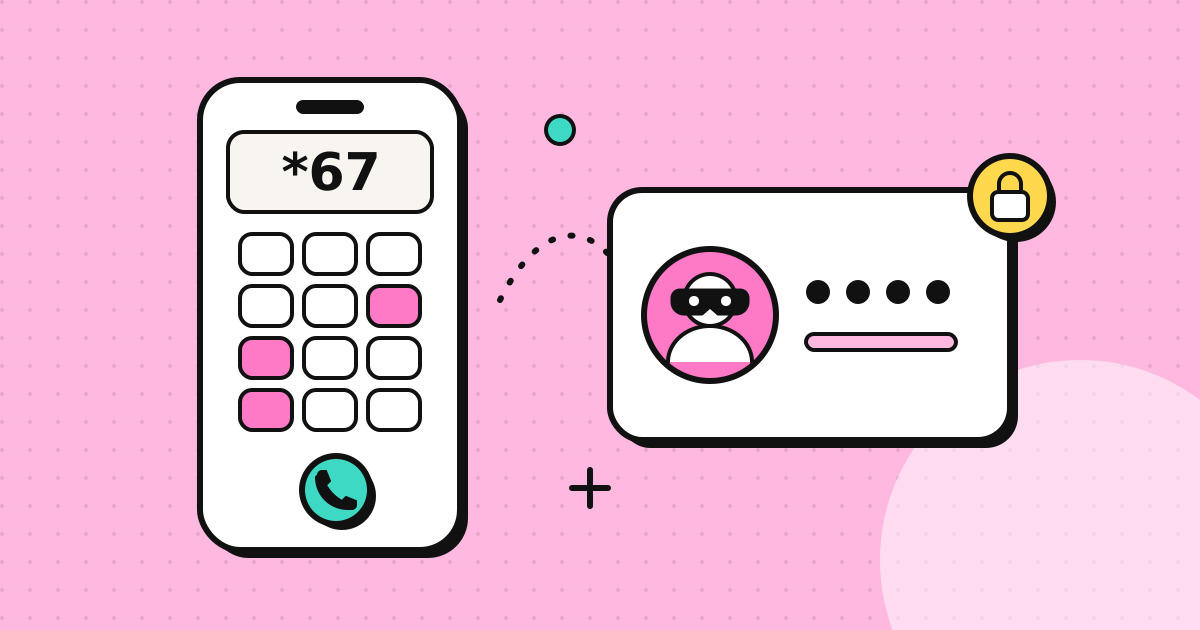
To hide your number for a single call, dial a blocking code before the number: *67 in the US and Canada, 141 in the UK, or #31# on most mobile networks in Europe and Australia. To hide it on every call, turn off Show My Caller ID on iPhone or set Caller ID > Hide number on Android. The other person sees "No Caller ID", "Private" or "Withheld". The rest of this guide lists codes by country, explains where hiding doesn't work, and covers why hidden calls get answered less often than they used to.
Codes for one call, by country
Dial the code immediately followed by the number, with no space.
| Country | Hide for one call | Show for one call (if blocked by default) |
|---|---|---|
| US and Canada | *67 |
*82 |
| United Kingdom | 141 |
1470 |
| Ireland | #31# (mobile), 141 (landline) |
*31# (mobile), 142 (landline) |
| Australia | #31# (mobile), 1831 (landline) |
*31# (mobile), 1832 (landline) |
| France | #31# (mobile), 3651 (landline) |
|
| Germany | *31# on most services, some mobiles #31# |
|
| Spain | #31# (mobile), 067 (landline) |
|
| Japan | 184 |
186 |
Source: the per-country list in Wikipedia's caller ID article, which matches carrier documentation for the main networks. Carriers can disable these codes, so test with a friend's phone before an important call.
Example (US): to call 202-555-0143 privately, dial *672025550143.
Example (UK): to call 020 7946 0958 privately, dial 14102079460958.
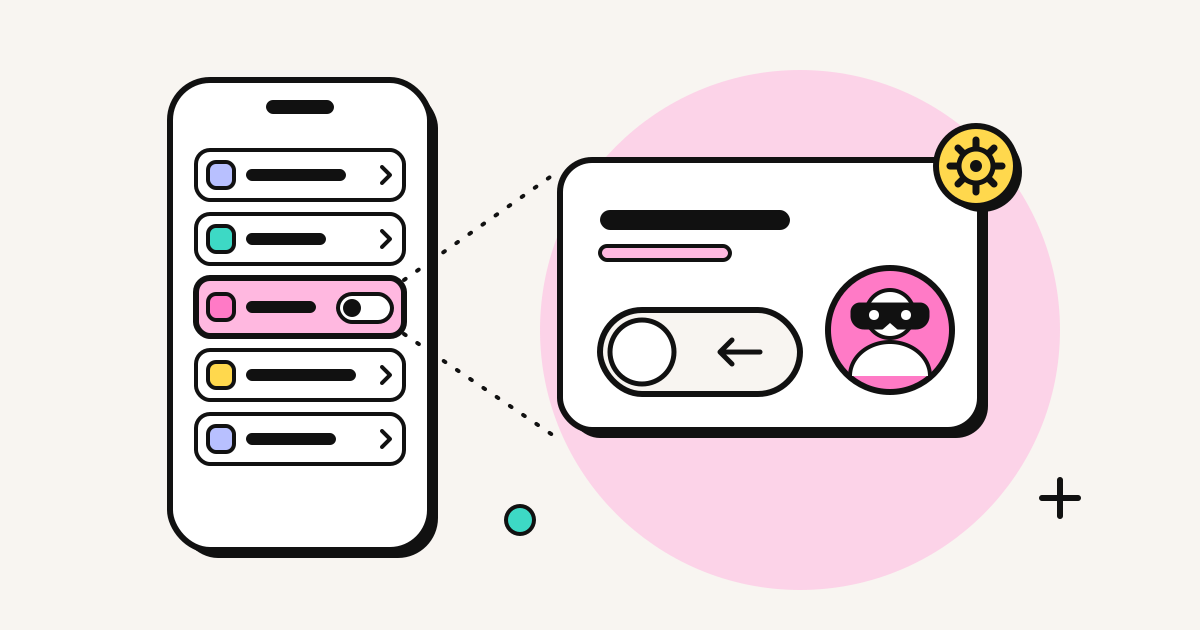
Hide your number on every call
iPhone
- Open Settings.
- Tap Apps, then Phone (on iOS 17 and older, Phone is directly in Settings).
- Tap Show My Caller ID and turn it off.
If the switch is greyed out or missing, your carrier controls the setting. Apple's guidance is to contact your carrier. Our iPhone caller ID guide covers this in more detail.
Android
Menu names vary by manufacturer:
- Google Phone app (Pixel and others): typically Phone > three-dot menu > Settings > Calls (or Calling accounts) > your SIM > Additional settings > Caller ID > Hide number.
- Samsung: Phone > three-dot menu > Settings > Supplementary services > Show my caller ID > Hide number.
As on iPhone, some carriers lock this setting.
At the carrier
Most carriers can set permanent caller ID blocking on your line. You then dial *82 (US) or 1470 (UK) for the occasional call where you want your number to show.
Check that it worked
Call a friend or your own second phone with the code and look at the screen. It should say "No Caller ID", "Private", "Withheld" or "Blocked". If your number still shows, your carrier may not support that code. In the US, try the GSM code #31# (some mobile carriers, AT&T among them, support it), or ask the carrier to set permanent blocking.
When hiding won't work
- Toll-free numbers such as 1-800 and 0800 receive your number through billing data regardless.
- Emergency services always receive it.
- Calls across borders may ignore the codes. They belong to your carrier's network, and calls from abroad often have their caller ID changed along the route anyway.
- People who block anonymous calls. Android can reject hidden numbers, iPhone can silence or screen unknown callers, and many US landlines have Anonymous Call Rejection (
*77). Your call may never ring. See how people block No Caller ID calls.
Is it legal to hide your number
Withholding your number is legal in most countries and is a normal privacy feature. What's illegal in many places is what you do with it: repeated unwanted calls can count as harassment, and faking someone else's number to deceive people (spoofing) is illegal in the US under the Truth in Caller ID Act and restricted by regulators elsewhere. Some organisations won't discuss accounts on a call from a withheld number, and some won't call back a withheld caller at all.
Why hidden calls often go unanswered
Hiding your number protects your privacy, but it's also exactly what spam calls look like. With iOS 26 call screening and Android's unknown-number blocking, a hidden call often ends up in voicemail or is rejected outright. If you need someone to pick up, such as a landlord, a recruiter or a relative, a withheld number is a poor choice.
If what you actually want is to keep your personal mobile private, a better option is to show a different number that you own:
- a work landline or office number
- a second SIM or eSIM
- a virtual number that forwards to your phone (see virtual numbers for small businesses)
Using EzyRing for this
EzyRing doesn't make anonymous calls, and we think that's right: anonymous calls are what most phone scams look like. It does let you choose which of your own numbers people see. You verify a number you own once (we call it and you key in a code), and calls from your browser go out with that number as caller ID, so the recipient sees a real number they can call back. The recipient's carrier decides how it's displayed, and the exceptions are on the verified caller ID page.
This is most useful when you're calling abroad. Codes like *67 often don't work across borders, but a number you've verified usually does. Check the rate for the country before dialling.
Related
Frequently asked questions
How do I hide my number for one call?
Dial a blocking code before the number. In the US and Canada that is *67, in the UK 141, and on most mobile networks in Europe and Australia #31#. For example, *67 202 555 0143 in the US or 141 020 7946 0958 in the UK.
Is *67 the same as No Caller ID?
Yes. *67 tells your carrier to mark the call as private, and the other phone shows No Caller ID, Private or Blocked, depending on the phone and carrier.
Why is Show My Caller ID greyed out on my iPhone?
Your carrier controls the setting and has not allowed you to change it from the phone. Use a per-call code like *67 or #31#, or ask your carrier to set caller ID blocking on your line.
Does hiding my number work when I call a toll-free or emergency number?
No. Toll-free numbers and emergency services receive your number through billing and emergency systems, regardless of the privacy setting.
Can EzyRing make anonymous calls?
No. EzyRing calls go out with a number you have verified as yours as the caller ID. If you want to keep your personal mobile private, verify a different number you own, such as a work line, and call with that.
Written by
EzyRing Team
The team that builds EzyRing, a browser phone for calling landlines and mobiles abroad, made in Madrid.
Ready to make the call?
Sign-up is free. You only pay for the minutes you use.
Prepaid, no subscription
Top up from $5. Credit doesn't expire, and nothing renews.
Rate shown before you call
You see the per-minute price before dialling and the running cost during the call.
Caller ID from a number you verify
Verify a number you own once; calls go out with it. Display depends on the recipient's carrier.
Calls aren't recorded. EzyRing is not for emergency calls.