How to Make a Phone Call from Your Browser (2026)
Call a real landline or mobile in another country from Chrome, Safari, Edge or Firefox: what you need, how to dial the number correctly, and what it costs.
On this page (7 sections)
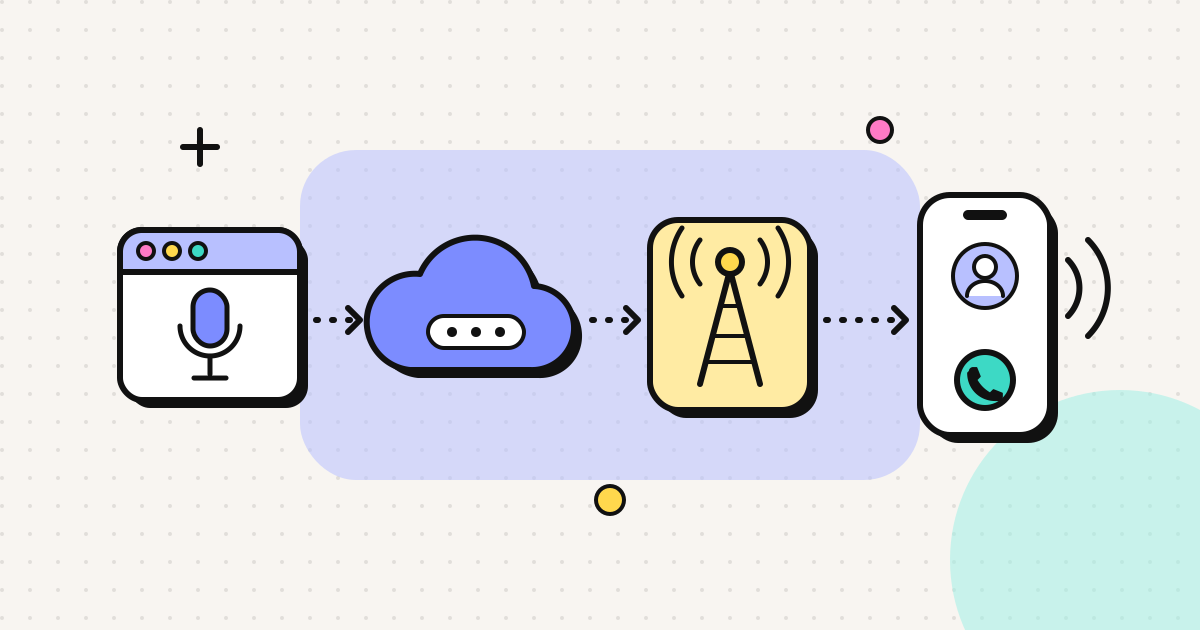
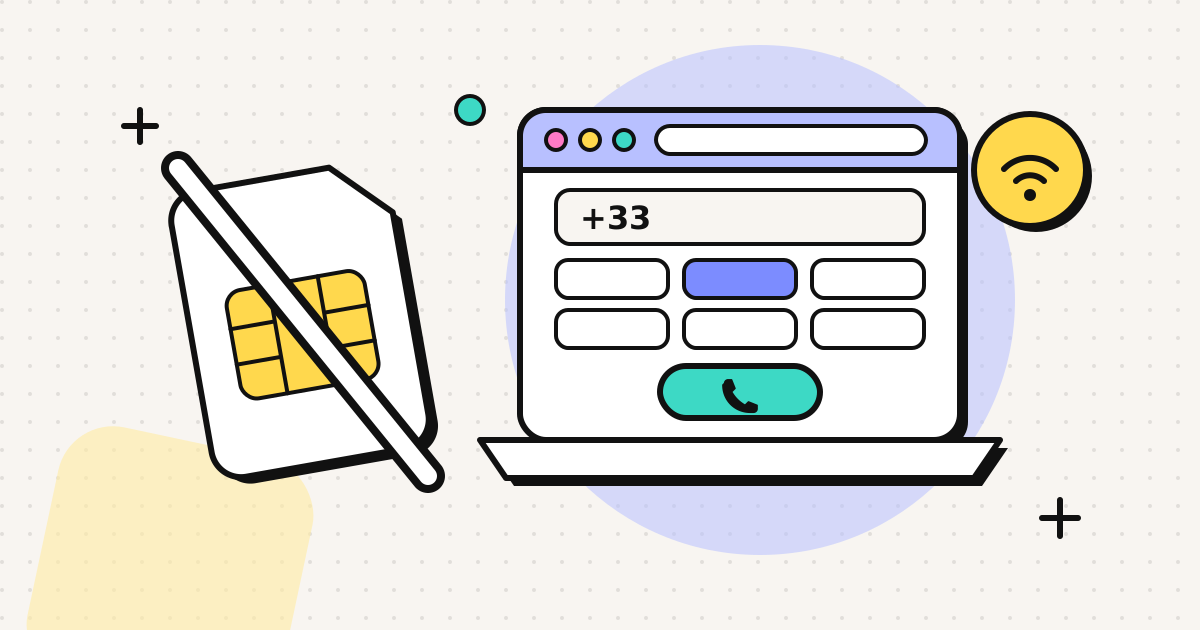
You can call any ordinary phone number from a browser tab. You need a calling service that connects the web to the phone network, a microphone, and the number written in international format (+, country code, then the number). The person you call doesn't need an app or an account. Their phone rings as it would for any other call.
The steps below take about two minutes the first time. After that, the sections cover the dialling mistakes that cause most failed calls, and what a call costs.
Two kinds of "browser call"
- App-to-app. WhatsApp Web, Google Meet and FaceTime let you call other people on the same service, and both of you need it. These calls are free.
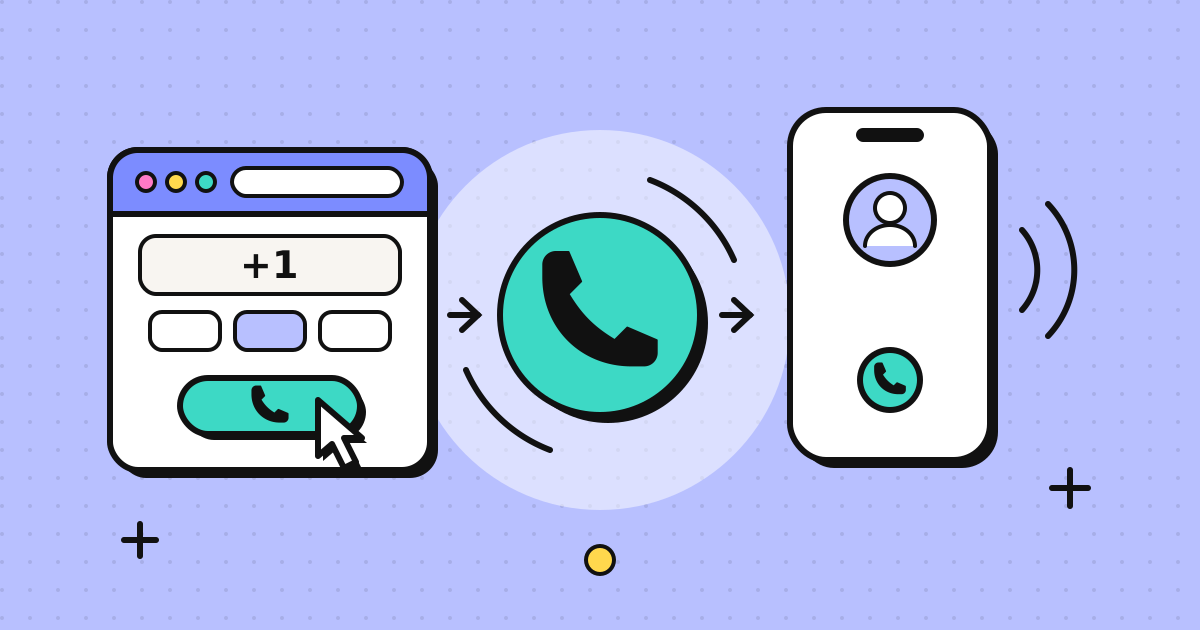
- Browser-to-phone. You dial a real landline or mobile number from a web page, and only you need the browser. This is how you reach a parent's landline, a bank, a doctor's surgery or a government office abroad.
This guide covers the second kind. For how it works under the hood, see browser phone calls explained.
What you need
- A current browser. Chrome, Edge, Firefox or Safari, on a computer or a phone.
- A microphone. The built-in one works. A headset with a mic stops echo.
- A stable connection. Voice uses very little data, but a steady signal matters more than speed.
- A browser-to-phone calling service. This is the part that connects to the phone network and charges per minute.
Step by step
The example uses EzyRing. Most browser dialers work in a similar way.
1. Create an account
Sign up with your email. Signing up is free, and you only pay for credit once you're ready to call.
2. Verify a number you own
We place a short call to a phone number you own, and you type in the code shown on screen. Your calls then go out with that number as the caller ID, so people can recognise you and call you back on your usual phone. How it displays is up to their carrier (details and exceptions). Recognition is the reason to do this. Many people now silence numbers they don't know, and banks and clinics may ignore an unfamiliar callback number.
3. Add credit
Credit packs start at $5 and the credit doesn't expire. Larger packs add a little on top: $20 gives you $21 of credit and $50 gives you $55. Payment goes through Stripe Checkout.
4. Type the number in international format
| Inside the country you might see | Dial from a browser |
|---|---|
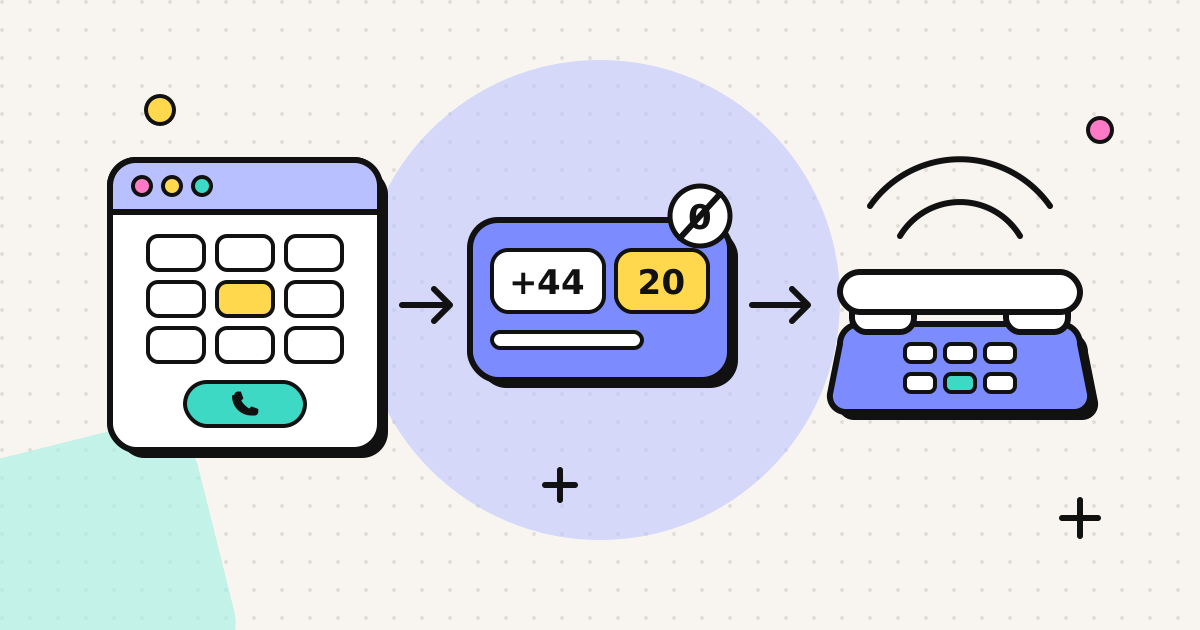
| UK: 020 7946 0958 | +44 20 7946 0958 |
| US: (202) 555-0143 | +1 202 555 0143 |
| India mobile: 0 followed by 10 digits | +91 then the 10 digits |
| Germany: 030 then the number | +49 30 then the number |
The rule is to replace the leading 0 (the "trunk prefix") with the country code. Italy is the main exception, because Italian landlines keep their 0 after +39. Country pages such as how to call India and the UK calling code page show the exact format for each country.
5. Check the rate and call
Before you press call, the dialer shows the per-minute rate for that number. Your browser asks for microphone permission the first time, and then the call connects. A running cost shows while you talk, and if your balance gets low the call ends before your credit runs out, so you can't overspend.
Mistakes that cause failed calls
- Leaving the trunk zero in. +44 020... fails, while +44 20... connects.
- Using your own country's exit code. In a browser you always start with +. Don't add 00 or 011 in front of it.
- Calling a toll-free number from abroad. Many 1-800, 0800 and similar numbers can't be reached from outside their own country. Look on the organisation's website for a separate "calling from abroad" number.
- Blocked microphone. If the other person can't hear you, check the site permissions (the padlock icon in the address bar).
- Background tab on mobile. On a phone, keep the calling tab in the foreground while you're on the call.
What it costs compared with the alternatives
Rates change with the destination and with whether you're calling a mobile or a landline. Mobile carriers' pay-per-minute international rates without an add-on are usually much higher than VoIP rates, so check your own carrier's price list before you compare. Browser-to-phone prices start at about $0.025 a minute for the cheapest destinations, and you can look up any country on the rates page.
| Browser calling service | Mobile carrier, no add-on | Calling card | |
|---|---|---|---|
| Install needed | No | No | No (dial access number + PIN) |
| Caller ID | Depends on service | Your mobile number | Often withheld or the card's number |
| Subscription | None with prepaid services | Your monthly plan | None |
| Credit expiry | Varies (EzyRing: none) | n/a | Often expires or has fees |
| Fees beyond per-minute | Check terms | Check plan | Often connection or maintenance fees |
Skype used to be the default answer here, but Microsoft shut it down in May 2025. Our Skype alternative page compares replacements.
Common questions
Quality. Calls sound like a good normal phone call, because the phone network leg sets the limit. A wired headset and a steady connection make the biggest difference.
Security. The browser-to-server leg is encrypted by design. After it reaches the phone network it is an ordinary call. We don't record calls.
Phone menus. If you're calling a bank or airline, the in-call keypad sends the tones for "press 1".
Emergencies. Always use a mobile or landline for emergency calls.
Where to start
Find the country you call most often and check its rate, for example cheap calls to the Philippines or cheap calls to Mexico. Then decide whether a $5 top-up is worth testing. Because the credit doesn't expire, anything you don't use stays in your account for the next call.
Frequently asked questions
Can I make a phone call from my browser without installing anything?
Yes. Current Chrome, Edge, Firefox and Safari all include WebRTC, so a calling service can run entirely in a web page. You allow microphone access once, type the number and press call. The person you ring just gets a normal phone call.
Is calling a phone number from a browser free?
Calls to other users of the same app (WhatsApp, Google Meet, FaceTime) are free. Calls to real landlines and mobiles cost money because the destination carrier charges per minute. Prepaid services let you pay only for the minutes you use.
How do I write an international number so it connects?
Use the international format: a plus sign, the country code, then the national number without its leading trunk zero. A London number written 020 7946 0958 inside the UK becomes +44 20 7946 0958.
Will the person see my number when I call from a browser?
It depends on the service. Many show a shared or withheld number. Some let you verify a number you own and present that as caller ID, although how it displays is finally up to the recipient's carrier.
Can I call emergency services from a browser?
No. Browser calling services are not a reliable way to reach 911, 112 or 999 and cannot pass your location. Use a mobile or landline for emergencies.
Written by
EzyRing Team
The team that builds EzyRing, a browser phone for calling landlines and mobiles abroad, made in Madrid.
Ready to make the call?
Sign-up is free. You only pay for the minutes you use.
Prepaid, no subscription
Top up from $5. Credit doesn't expire, and nothing renews.
Rate shown before you call
You see the per-minute price before dialling and the running cost during the call.
Caller ID from a number you verify
Verify a number you own once; calls go out with it. Display depends on the recipient's carrier.
Calls aren't recorded. EzyRing is not for emergency calls.