How to Cut the Cost of International Business Calls
A practical audit for small teams: find where international call costs come from, which calls to move to free apps, which to move to cheaper per-minute routes, and how to keep clients answering.
On this page (10 sections)
To cut international call costs, first find out which calls you're making, to which countries and which line types, and how you're paying for them. Then move each call to the cheapest route that still works: free app calls where the other side already uses them, pay-as-you-go VoIP for calls to real phone numbers, and no roaming. Most small teams save the most by dropping carrier rates and unused add-ons. This guide walks through the audit and the switch, and how to keep clients answering afterwards.
Where the money goes
International call costs for a small business usually come from four places:
- Carrier pay-per-minute international rates on mobile or landline plans without an add-on. These are often far higher than VoIP rates to the same country.
- International add-ons and bundles that renew monthly whether you use them or not, often excluding mobiles or some countries.
- Roaming, when staff call clients from their mobiles while travelling.
- Short calls under minimum charges, such as voicemails, quick confirmations and failed connections.
Step 1: Audit three months of calls
Export call records from your phone bills or provider portals and build a simple table:
| Country | Mobile or landline | Calls | Total minutes | Total cost | Cost per minute |
|---|
Look for:
- Your top three destinations by spend. These are where switching saves most.
- Your effective cost per minute, including add-ons. A $15 add-on used for 40 minutes costs $0.375 a minute, whatever the advertised rate.
- Calls to mobiles in countries where mobile termination is expensive.
- Calls made while roaming.
Step 2: Move what you can to free app calls
Calls between apps cost nothing. If a client, supplier or remote colleague already uses Teams, Zoom, Google Meet, Slack huddles or WhatsApp, schedule those calls there. Agree on this up front with regular contacts, for example "weekly check-ins on Teams".
What you can't move: banks, government offices, logistics firms, suppliers' landlines, customers who just give you a phone number, and anyone who prefers a normal call.
Step 3: Use pay-as-you-go VoIP for real phone numbers
For calls that have to reach a phone number, internet calling to the phone network is usually much cheaper per minute than carrier international rates. The other person still gets a normal call. Choose a service with:
- Rates shown per country and line type, before you dial
- No subscription if your volume varies month to month
- Credit that doesn't expire, so quiet months don't waste money
- Your own business number as caller ID (Step 4)
- No new hardware: browser-based works on existing laptops
EzyRing fits that list. It's a browser dialer with prepaid credit from $5, no subscription, and credit that doesn't expire. The dialer shows the rate before each call and the running cost during it. Rates start at about $0.025 a minute for the cheapest destinations and vary by country. Look up your top destinations on the rates page, for example cheap calls to the UK or cheap calls to Germany.
Run a two-week trial: put your three highest-spend destinations through VoIP, then compare the cost per minute with the audit figures.
Step 4: Keep clients answering
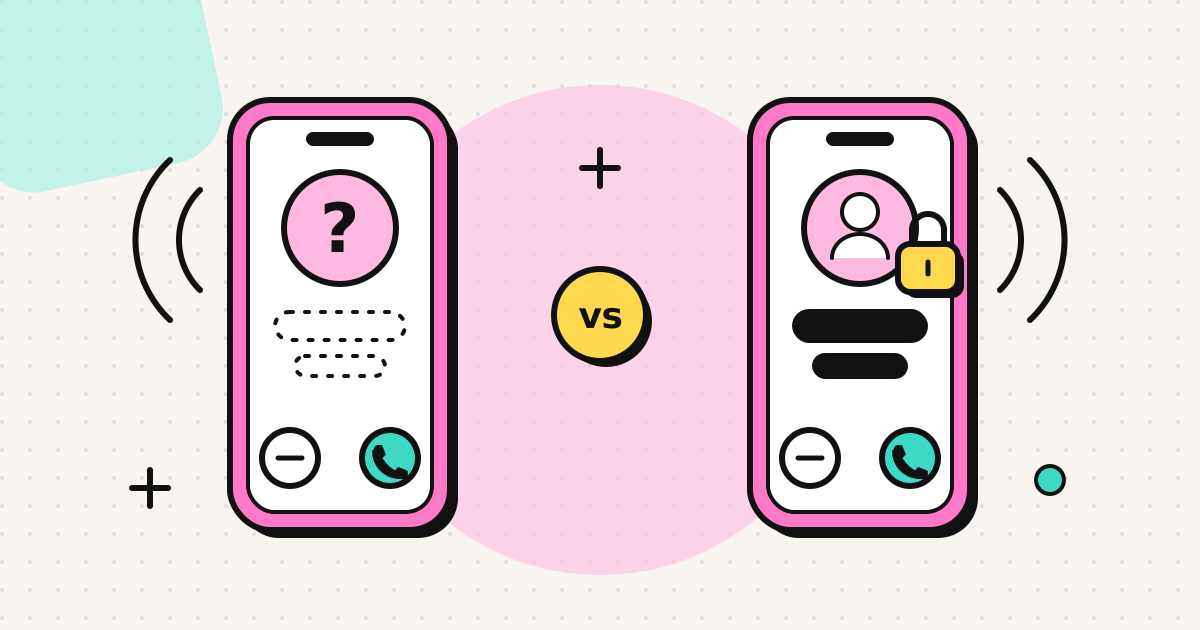
Saving money doesn't help if clients stop picking up. Cheap calling services often show a random or withheld number, which phones now flag or silence. Make sure your calls show your business number.
On EzyRing, you verify the number once (we call it, someone answers and keys in a code), and calls go out with it as caller ID. The recipient's carrier decides how it's displayed. Cross-border calls usually show it, but a few countries withhold or replace a number from their own country when it arrives from abroad. The verified caller ID page lists what we know.
Step 5: Stop roaming calls
- Make client calls over hotel or office Wi-Fi from a browser instead of a roaming SIM.
- Use a local or travel eSIM for data while abroad.
- Turn off voice roaming on company mobiles where your plan charges for it, and send staff to the browser instead.
Step 6: Reduce small losses
- Group short calls. With per-minute billing, one 10-minute call costs less than five 2-minute calls.
- Call landlines where possible, since in many countries they're cheaper to reach than mobiles.
- Use the keypad in the call for phone menus instead of hanging up and redialling.
- Look for the international number for organisations that publish only a toll-free line. Many toll-free numbers can't be reached from abroad at all.
Keep the switch simple for the team
- One short how-to. Explain where the dialer is, the + country code format, and to wear a headset. Our browser calling guide can serve as that page.
- One shared rule for which calls go on apps and which go to phone numbers.
- A budget cap. Prepaid credit is a hard limit, since calls stop before the balance runs out, so nobody runs up an unexpected bill.
- A monthly check of spend per country against your audit baseline.
What to expect
How much you save depends on what you pay now. A team on carrier pay-per-minute international rates, or paying for add-ons it barely uses, usually sees the biggest drop. A team already mostly on app calls will see less. Use your audit numbers rather than a headline percentage.
Related
Frequently asked questions
What is the cheapest way for a small business to make international calls?
Use free app calls (Teams, Zoom, WhatsApp) wherever the other side already uses them, and a pay-as-you-go VoIP service for calls to real phone numbers. That avoids carrier international rates, roaming charges and monthly add-ons you don't fully use.
Is a monthly international add-on worth it?
Only if you use most of it every month and to the countries it covers. Check last quarter's usage: if minutes go unused or calls go to excluded countries or mobile numbers, pay-as-you-go is usually cheaper.
Will clients see a strange number if we switch to VoIP?
Not if your provider lets you present your existing business number. On EzyRing you verify a number you own and calls go out with it as caller ID; how it displays is finally decided by the recipient's carrier.
Do we need new hardware?
No. Browser-based calling works on the laptops your team already has, with a headset. Desk phones and on-site PBX hardware are optional extras, not a requirement.
Written by
EzyRing Team
The team that builds EzyRing, a browser phone for calling landlines and mobiles abroad, made in Madrid.
Ready to make the call?
Sign-up is free. You only pay for the minutes you use.
Prepaid, no subscription
Top up from $5. Credit doesn't expire, and nothing renews.
Rate shown before you call
You see the per-minute price before dialling and the running cost during the call.
Caller ID from a number you verify
Verify a number you own once; calls go out with it. Display depends on the recipient's carrier.
Calls aren't recorded. EzyRing is not for emergency calls.