How to Call a Landline Abroad Online (No App Needed)
WhatsApp can't ring a landline, but your browser can. How internet-to-landline calls work, how to dial foreign area codes without the usual mistakes, and what to do when a call won't connect.
On this page (6 sections)
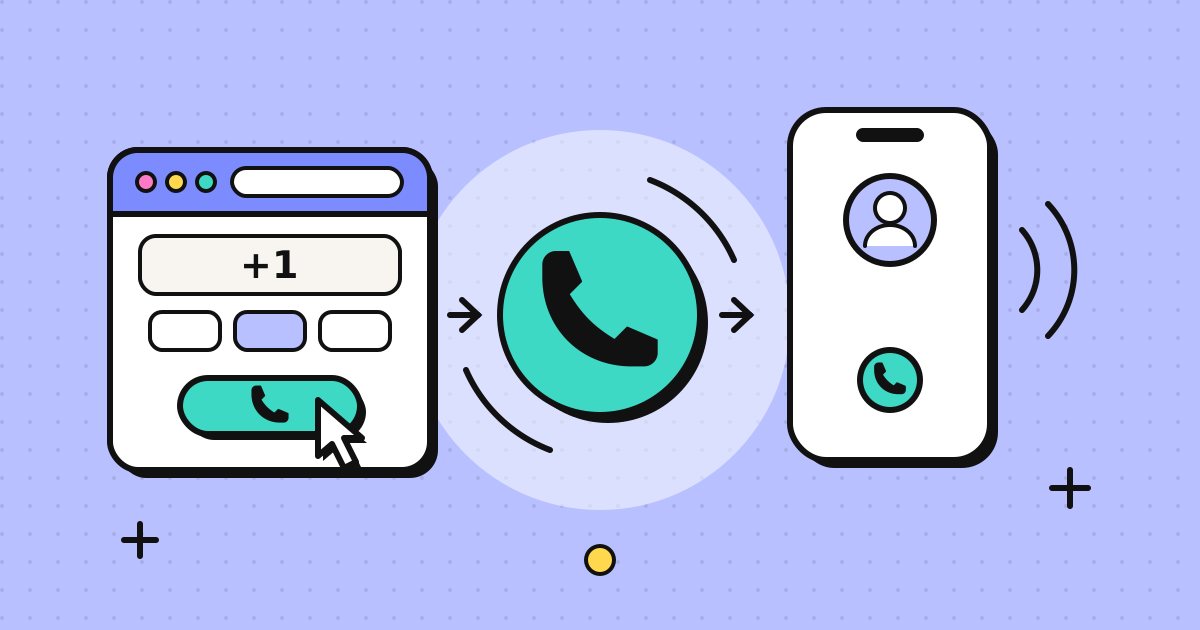
To call a landline abroad online, you need a service that connects an internet call to the ordinary phone network: a browser phone, a calling app with paid credit, or your own carrier's international calling. App-to-app tools like WhatsApp can't do it. Write the number in international format (+, the country code, then the area code without its domestic 0 in most countries), check the per-minute rate, and dial.
The dialling part is where most failed calls come from, so this guide spends time on it, then walks through a call from a browser and the usual problems once the line connects.
Why apps like WhatsApp can't reach landlines
WhatsApp, FaceTime, Signal and Messenger calls travel entirely over the internet, from one app to another. A landline isn't on the internet in that sense. It sits on the public telephone network, which is run by carriers and reached through phone numbers, not accounts.
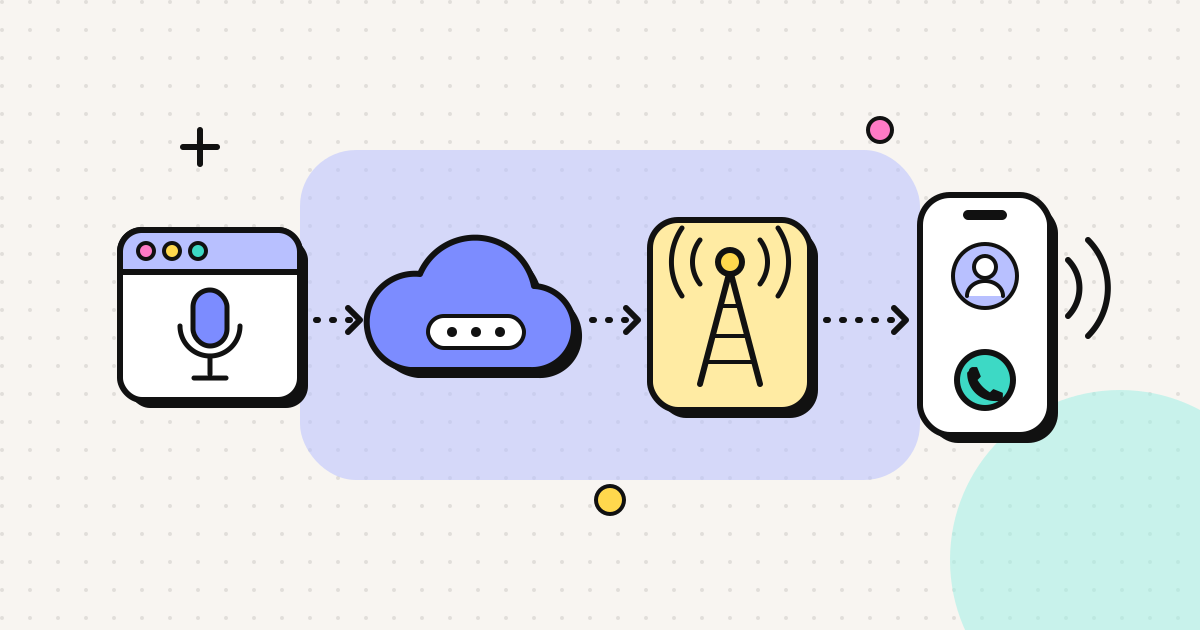
To get from your laptop to a desk phone in Manchester or a reception desk in Lyon, the call has to be handed from the internet to a carrier that can terminate it on the phone network. That hand-off costs money, which is why every service that reaches landlines charges per minute or sells bundles.
Three ways to call a landline abroad online
| Method | What you need | Good for | Trade-offs |
|---|---|---|---|
| Browser phone | A browser with a microphone | Calls from a laptop or desktop, mixed countries | Needs a stable connection; usually outbound only |
| Calling app with credit | An app on your phone | Calls on the move | Install required; check credit inactivity rules |
| Carrier Wi-Fi calling | Your mobile and plan | Calls to numbers in your home country | Calls to foreign numbers are still billed at international rates on most plans |
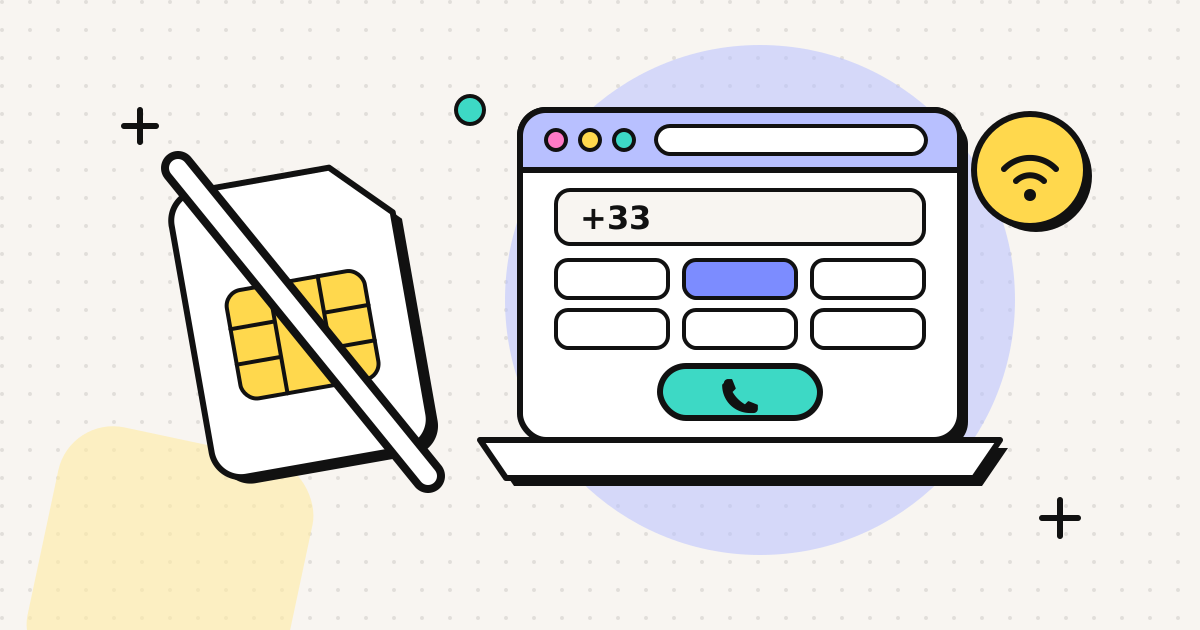
A browser phone is the "no app" option in the title. It uses WebRTC, the voice technology built into Chrome, Edge, Firefox and Safari, so there is nothing to download. The person you call doesn't need anything either: their landline just rings. If you want to know what happens in between, how a browser phone call works explains it.
Dialling a foreign landline correctly
Almost every landline number you find is written the way locals dial it, not the way you need to dial it from abroad. The international format is:
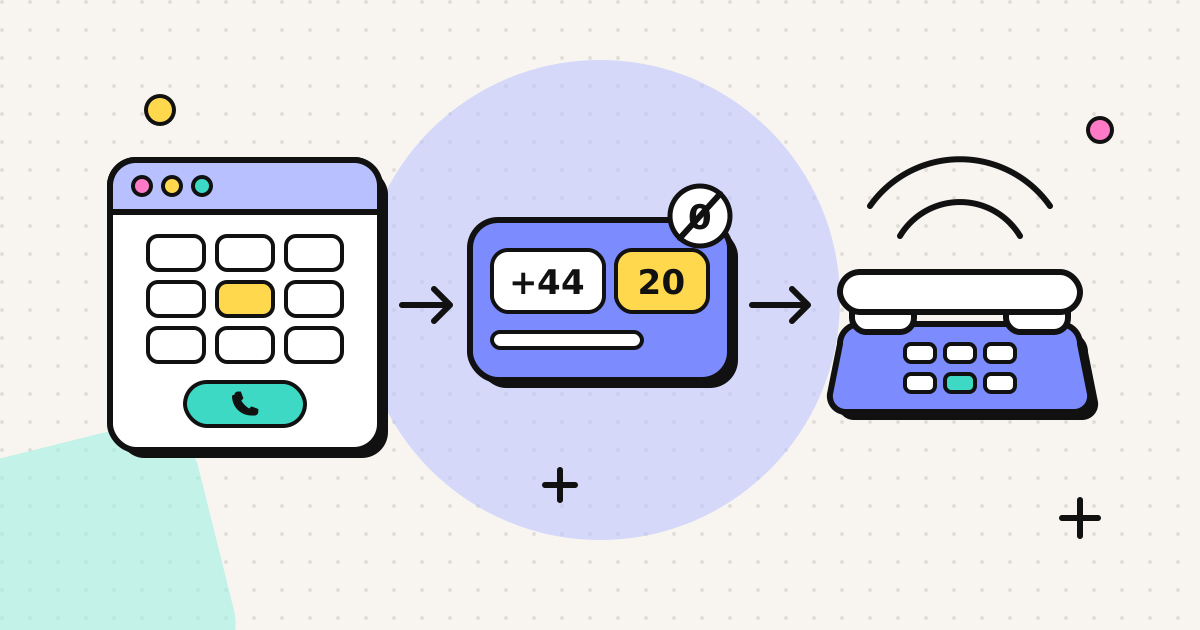
+ country code, area code (usually without its 0), local number
The + stands for your country's exit code (011 from the US and Canada, 00 from most of Europe and the rest of the world). On a browser phone or smartphone you can type + directly.
The trunk 0 rule, and its exceptions
Most countries put a 0 in front of area codes for domestic long-distance calls. That 0 is called the trunk prefix, and you drop it when dialling from abroad. A few countries work differently, and they cause most of the "number not in service" messages.
| Country | Written locally | Dial from abroad | Note |
|---|---|---|---|
| United Kingdom | 020 7946 0123 | +44 20 7946 0123 | Drop the 0 |
| France | 01 23 45 67 89 | +33 1 23 45 67 89 | Drop the 0 (source) |
| Germany | 030 1234567 | +49 30 1234567 | Drop the 0; area codes are 2 to 5 digits (source) |
| Italy | 06 1234 5678 | +39 06 1234 5678 | Keep the 0 (source) |
| Spain | 912 345 678 | +34 912 345 678 | No trunk prefix; all numbers are 9 digits (source) |
| United States / Canada | (212) 555-0123 | +1 212 555 0123 | Domestic long-distance prefix is 1, not 0; from abroad dial +1 and all 10 digits |
(The UK example uses a number Ofcom reserves for TV and radio drama, so it won't ring anyone.)
Watch for "(0)" in written numbers
UK and some European businesses write numbers like +44 (0)20 7946 0123. The bracketed 0 means "dial this only inside the country". From abroad, leave it out: +44 20 7946 0123.
Area codes vary in length
In Germany, Pakistan, India and many other countries, big cities have short area codes and small towns have long ones. Don't guess. Take the area code from the organisation's own website or letterhead, and if you have a local number without an area code (common on old business cards), look up the town.
For step-by-step dialling guides by country, see how to call the United Kingdom and how to call Spain.
Step by step: calling a landline from a browser
Here's what the process looks like with a browser phone such as EzyRing. Other services follow a similar pattern.
- Use a headset if you have one. Wired earphones with a microphone, or a USB headset, stop the laptop speakers feeding back into the mic. Laptop speakers work, but the other person will hear more echo.
- Open the dialer and allow microphone access when the browser asks. If you blocked it by accident, click the padlock or settings icon in the address bar and allow the microphone for that site.
- Type the number in international format. For example
+44 20 7946 0123. The dialer recognises the country. - Check the rate. The per-minute rate for that number appears before you press call. Landline and mobile rates often differ within the same country; the full rate table lists both.
- Call. The landline rings like any other incoming call. You see the running cost during the call.
- Use the keypad for menus. If you hear "press 1 for reservations", open the in-call keypad and press 1. It sends standard keypad tones, so extensions and reference numbers work too.
With prepaid credit, a call ends before your balance runs out, so a long hold queue can't produce a bill you didn't expect.
Troubleshooting: when the call doesn't go through
"The number you have dialled is not in service"
Usually it's the format:
- a trunk 0 left in after the country code (
+44 020…instead of+44 20…) - the 0 dropped on an Italian number, where it should stay
- missing area code
- a digit lost when copying from a PDF or a photo
Rewrite the number from scratch in international format and try again.
Fast busy tone or a message in a language you don't understand
A fast busy tone straight after dialling often means the call was rejected by the network, again usually a format problem. A recorded message in the local language may be telling you the office is closed or the number has changed. Check opening hours and the time difference before trying again.
It rings and nobody answers
Many offices, clinics and small hotels don't have voicemail on every line. Check you're calling within local business hours, and look for an alternative number (reservations, switchboard) on their website.
Toll-free numbers that won't connect
Freephone numbers (0800 in the UK, 800 in the US, 1800 in India, 900 in Spain and so on) are usually designed for callers inside that country and often can't be reached from abroad. Look for a separate "calling from abroad" number on the organisation's contact page.
The audio is choppy
Move closer to the Wi-Fi router, close video calls or large downloads running on the same connection, or plug in a cable. Voice calls need far less bandwidth than video, but they do need a steady connection.
What to expect on cost
Calling a landline abroad from the internet is metered per minute. The rate depends on the destination country and whether it is a landline or a mobile, and it changes from time to time as carrier prices move. Rather than trust a figure in a blog post, look up the current rate for the country you need. If you just want to make one call, a small prepaid top-up is enough: with EzyRing you can start with $5, and unused credit doesn't expire.
Frequently asked questions
Can I call a landline from WhatsApp?
No. WhatsApp, FaceTime and similar apps only call other users of the same app. To reach a landline you need a service that connects internet calls to the ordinary phone network, such as a browser phone, a calling app with paid credit, or your mobile carrier.
Do I drop the 0 when calling a landline abroad?
In most countries, yes: the leading 0 is a domestic trunk prefix. London 020 becomes +44 20, Paris 01 becomes +33 1, Berlin 030 becomes +49 30. Italy is the main exception in Europe: Italian landlines keep the 0, so Rome 06 becomes +39 06. Spain has no trunk 0 at all.
Why does my call to a foreign landline say 'number not in service'?
The most common causes are a trunk 0 left in after the country code, a missing or wrong area code, or a number copied with extra digits. Rewrite the number in +country code format, check the area code on the organisation's own website, and try again.
Can I press menu options (press 1, press 2) when calling from a browser?
Yes, if the service has an in-call keypad. It sends the same tones as a phone keypad, so you can choose menu options, enter extension numbers and type reference numbers.
Are calls to landlines cheaper than calls to mobiles?
In many countries, yes, because carriers charge different termination rates for fixed and mobile lines. It varies by country, so check the rate for the specific number before you dial.
Written by
EzyRing Team
The team that builds EzyRing, a browser phone for calling landlines and mobiles abroad, made in Madrid.
Ready to make the call?
Sign-up is free. You only pay for the minutes you use.
Prepaid, no subscription
Top up from $5. Credit doesn't expire, and nothing renews.
Rate shown before you call
You see the per-minute price before dialling and the running cost during the call.
Caller ID from a number you verify
Verify a number you own once; calls go out with it. Display depends on the recipient's carrier.
Calls aren't recorded. EzyRing is not for emergency calls.