How to Make Phone Calls Without a SIM Card
Any laptop, tablet or old phone on Wi-Fi can call real landlines and mobiles. Here's what works without a SIM, what still needs a phone number, and the limits to plan around.
On this page (8 sections)
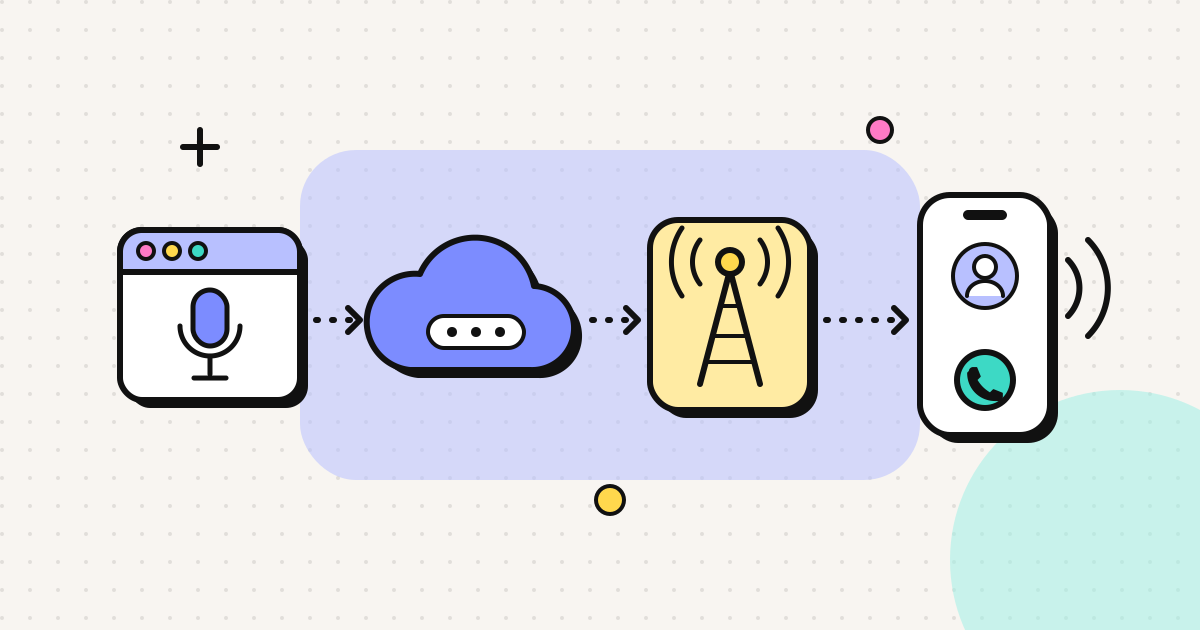
You can make real phone calls without a SIM card from any device with a browser or app, a microphone and an internet connection. For calls to people on the same app, use WhatsApp, FaceTime or Signal. For calls to landlines and mobiles, use a VoIP service that connects to the phone network. Some of these run entirely in a browser, so even a laptop or an old tablet works. The person you call gets a normal call. Here's what works, what still needs a phone number somewhere, and the limits to plan around.
When people need this
- Travelling without a local SIM, or with a data-only eSIM that has no number
- Living abroad while your home SIM sits in a drawer
- An old phone or tablet with no SIM, used as a home phone
- Working from a laptop while your phone is charging, broken or lost
- Calling landlines and businesses that can't take WhatsApp calls
Option 1: App-to-app calls (free)
Works with: WhatsApp, Signal, Telegram, FaceTime, Google Meet, Zoom.
Cost: nothing over Wi-Fi.
Catch: the other person needs the same app, and most of these apps need a phone number once to register. After setup, WhatsApp and Signal keep working on Wi-Fi without the SIM, as long as you can receive a code if you ever need to re-register.
Can't reach: landlines, banks, offices, government lines, or relatives without smartphones.
Option 2: Calling real phone numbers over the internet (paid per minute)
A VoIP service hands your call to the phone network in the destination country, so you can ring any landline or mobile. It costs money because the destination carrier charges per minute. Prepaid services keep this low and predictable.
Browser-based calling
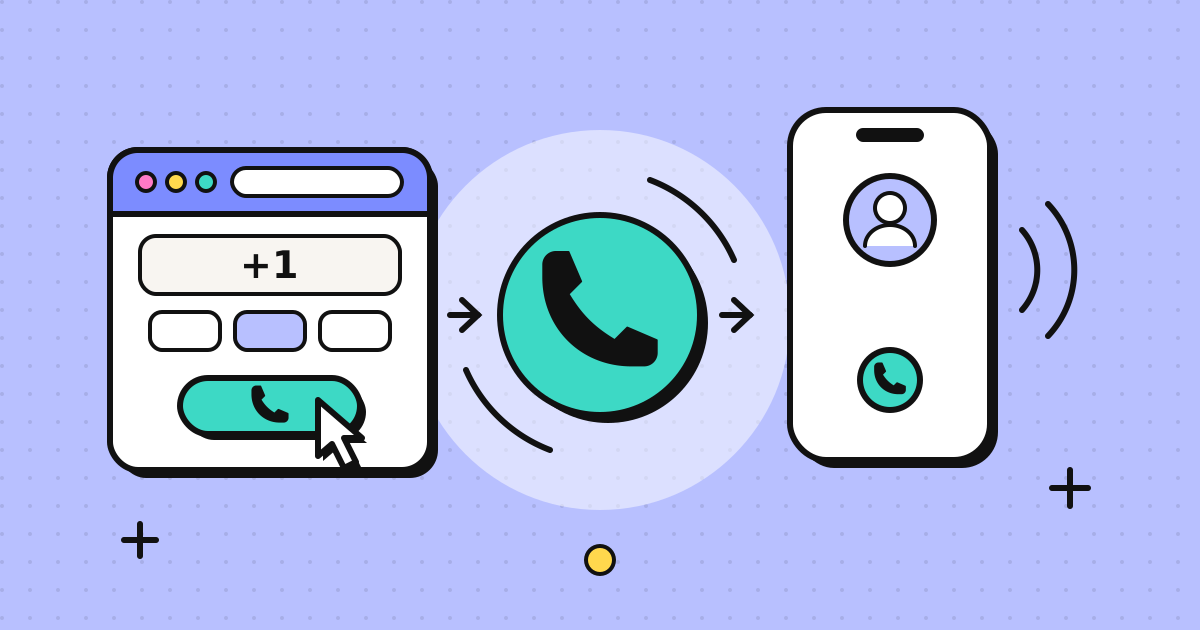
No app is needed: you open a web page and dial. It works on a laptop, a Chromebook, a tablet, or a SIM-less phone's browser. The browser's built-in WebRTC handles the microphone and audio, and our browser phone calls explainer shows each step.
EzyRing is one example. You sign up, verify a phone number you own once (we call it and you key in a code; it doesn't need to be in the device you're calling from), add prepaid credit from $5, and dial. Calls go out with your verified number as caller ID, so the person sees a number they know. How it displays depends on their carrier (details). The dialer shows the per-minute rate before you call, and the credit doesn't expire.
App-based softphones
These are installable apps that do the same thing. They're useful if you want push notifications for incoming calls on a virtual number.
Option 3: A virtual number, so people can call you
If you need incoming calls on a real number without a SIM, rent a virtual number that rings an app on your device. This is common for freelancers and small businesses with clients abroad. See virtual numbers for small businesses.
Turning an old phone into a Wi-Fi-only phone
An old smartphone without a SIM makes a good home phone for calling abroad, or a simple phone for an older relative to use with help:
- Reset and update it. Install the latest system update it supports. Very old browsers may not handle WebRTC calls well.
- Connect it to Wi-Fi and keep it on the charger where the signal is good.
- Add the calling page to the home screen. In Chrome use the menu > Add to Home screen. In Safari use Share > Add to Home Screen. It then opens like an app.
- Pair wired or Bluetooth earphones if it will be used in a noisy room.
- Set up WhatsApp for free calls if you have a number to register it with once.
Voice calls use very little data, well under a megabyte a minute, so even a modest home connection or a small data eSIM is enough.
What you need
| Item | Notes |
|---|---|
| Device | Laptop, tablet or phone with a current browser or the app |
| Internet | Stable Wi-Fi or mobile data from a data-only eSIM; voice uses very little data |
| Microphone | Built-in works; a headset avoids echo |
| A number you own (sometimes) | Needed once to register apps, or to verify caller ID on services like EzyRing |
| Credit | Only for calls to real phone numbers |
Limits to plan around
- Emergency calls. VoIP and browser calling services aren't for emergencies. Keep a phone with a working SIM for that.
- No connection, no call. Captive-portal Wi-Fi (hotels, airports) needs you to log in first.
- SMS codes still go to your SIM. Bank and login codes are sent to the SIM that holds your number. Keep it active, or move to in-app approval. Our digital nomad phone setup covers this.
- Carrier Wi-Fi Calling is different. It puts your normal number over Wi-Fi but still needs the SIM in the phone.
- Background tabs on phones. Keep the browser tab in front during the call.
A quick start for the most common case
For someone abroad who wants to call home without a local SIM:
- Connect to Wi-Fi.
- Use WhatsApp or FaceTime for anyone who has it.
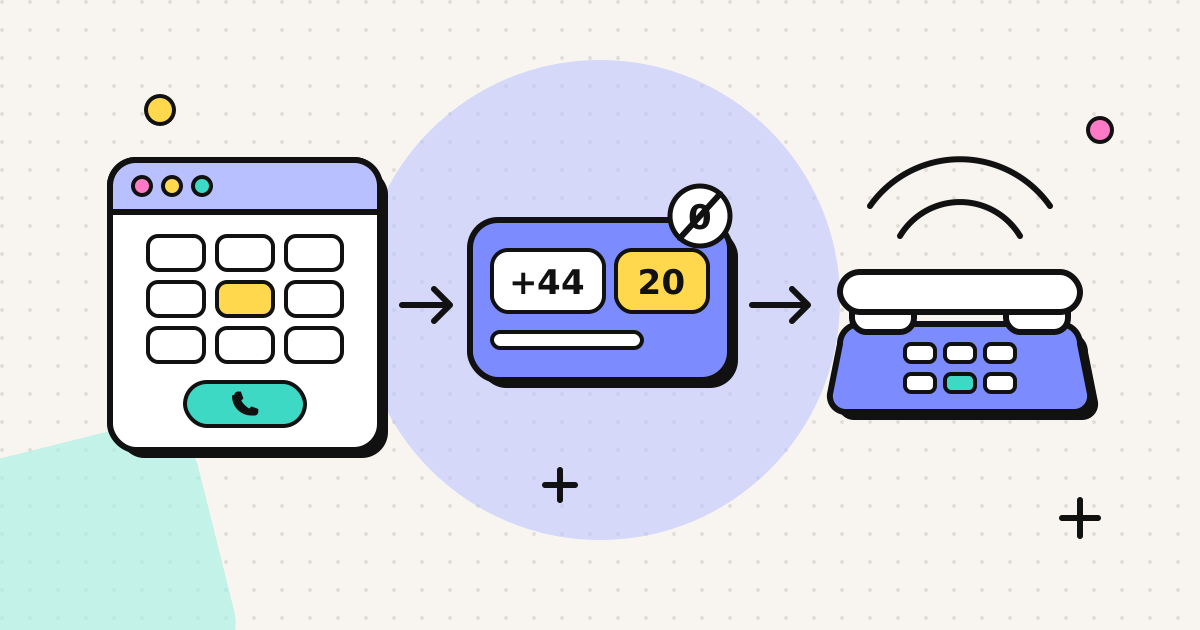
- For everyone else (landlines, banks, older relatives), open a browser dialer, check the per-minute rate for the country, and call. Country pages like calling the Philippines from your browser show the dialling format.
For the full walkthrough, read how to make a phone call from your browser.
Frequently asked questions
Can I make phone calls without a SIM card?
Yes. Over Wi-Fi, a laptop, tablet or old phone can call other app users with WhatsApp, FaceTime or Signal, and can call real landlines and mobiles through a VoIP service that connects to the phone network, including browser-based ones that need no app.
Do I need a phone number to call without a SIM?
For app-to-app calls you usually need a number once, to register the account (WhatsApp and Signal do). For calling phone numbers through a browser service you need an account and credit; some services, including EzyRing, also ask you to verify a number you own so it can be shown as your caller ID.
Is Wi-Fi calling the same as VoIP without a SIM?
No. Carrier 'Wi-Fi Calling' routes your normal mobile number over Wi-Fi, but it still needs your SIM and an active plan. VoIP services and apps work with no SIM at all.
Can I receive calls without a SIM card?
Through apps, yes. To receive calls on a phone number without a SIM you need a virtual number that rings in an app. EzyRing is outbound only, so people call you back on the number you verified.
Can I call emergency services without a SIM?
Don't rely on it. VoIP and browser calling services are not for emergency calls. Keep a phone with a working SIM and signal for emergencies.
Written by
EzyRing Team
The team that builds EzyRing, a browser phone for calling landlines and mobiles abroad, made in Madrid.
Ready to make the call?
Sign-up is free. You only pay for the minutes you use.
Prepaid, no subscription
Top up from $5. Credit doesn't expire, and nothing renews.
Rate shown before you call
You see the per-minute price before dialling and the running cost during the call.
Caller ID from a number you verify
Verify a number you own once; calls go out with it. Display depends on the recipient's carrier.
Calls aren't recorded. EzyRing is not for emergency calls.