Skype Is Gone: How to Call Landlines and Mobiles Now
Skype Credit did one job: dial real phone numbers from a computer. Here is what happened to it, what replaced it, and a checklist for choosing a tool that still does that job.
On this page (7 sections)
Skype Credit did one specific job: it let you dial a real phone number (a landline in Lisbon, a mobile in Lagos, a bank switchboard in Toronto) from your computer and pay a few cents a minute. Microsoft retired Skype on 5 May 2025, stopped selling credit, and its replacement, Teams Free, cannot call ordinary phone numbers. If you still need to ring landlines and mobiles in other countries, you need a tool that does that exact job, and most "Skype alternative" lists bury those tools under video meeting apps.
This guide sticks to that one job. It covers what happened to Skype Credit and Skype Numbers, a checklist for choosing a replacement, and an honest comparison of the options that actually reach the phone network.
What Skype Credit actually did (and why WhatsApp doesn't replace it)
There are two kinds of internet calling, and they solve different problems.
App-to-app calls connect two people who both have the same app: WhatsApp, FaceTime, Teams, Zoom, Signal. They cost nothing beyond data, and for many families they are the default. But both ends need the app, a working data connection and the habit of answering it.
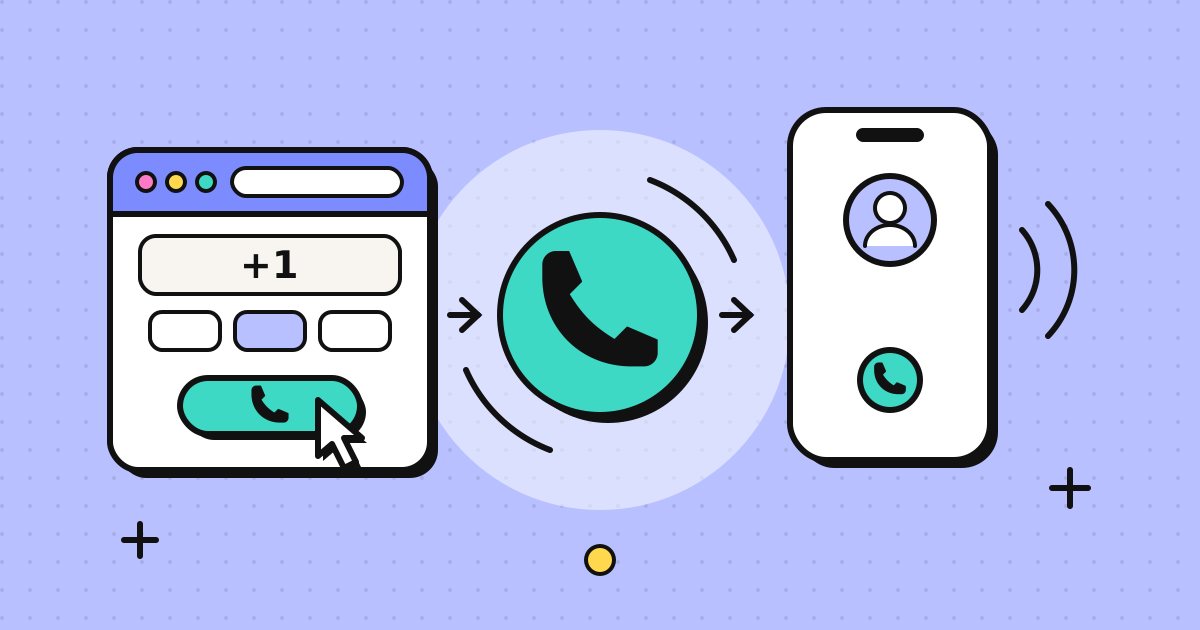
App-to-phone calls (Skype called this "Skype Out") leave the internet and ring an ordinary phone number. The other person doesn't need an app, a smartphone or even mobile data. This is what you need when you are calling:
- a landline: a parent's home phone, a clinic, a hotel reception, a school office
- a business with a phone menu: banks, airlines, insurers, government offices
- a relative with a basic phone or unreliable data in a rural area
- anyone who simply doesn't pick up WhatsApp calls from unknown contacts
WhatsApp, Teams and Zoom don't do the second job for personal users. That is the gap Skype Credit left.
What happened to Skype Credit and Skype Numbers
Microsoft's Skype retirement page lays out the timeline. The parts that matter for calling:
| Date | What changed |
|---|---|
| 5 May 2025 | Skype retired. Accounts can sign in to Teams Free with the same credentials. Skype Credit, calling subscriptions and Skype Numbers are no longer sold to new buyers. |
| After retirement | Existing Skype Credit can still be used for calling through the Skype Dial Pad, available to remaining paid users from the Skype web portal and inside Teams Free. Automatic top-up is gone. |
| 1 May 2026 | End of the Skype subscription service. Subscriptions that ran past this date were cancelled and converted into Skype Credit. Microsoft says remaining cancelled subscriptions are eligible for a refund. |
| May 2026 | All Skype Number subscriptions ended. Port-out requests are no longer available. |
| 15 June 2026 | Last day to request a copy of your Skype history through the export portal. |
Two practical consequences:
- If you still have credit, use it. The Dial Pad works until your balance runs out, but you can't add more.
- Teams Free is not a phone. Microsoft's own answers forum confirms that calling regular phone numbers needs a business Teams Phone licence. That is built for companies with an IT admin, not for someone calling their aunt.
What to look for in a Skype Credit alternative
Before comparing products, decide what you actually need. These questions separate tools that look similar on a features page.
| Question | Why it matters |
|---|---|
| Does it call landlines and mobiles in the countries you need? | Some services only cover mobiles, or price landlines very differently. |
| What do you have to install? | An app on your phone is fine for some people; others did all their Skype calling from a work laptop. |
| What number does the other person see? | A random or "Unknown" number gets ignored. Your own number gets answered and called back. |
| Subscription or prepaid? | Monthly plans suit heavy, predictable use. Prepaid suits people who call a few times a month. |
| Does unused credit expire or freeze? | Skype users often had credit sitting for months. Check the inactivity rules before you top up. |
| Can you see the rate before you dial? | Rates differ a lot between countries and between landline and mobile. |
| Is it available where you live? | Some services only accept accounts from certain countries. |
| Do you also need an incoming number? | That was the Skype Number. Most outbound calling tools don't replace it. |
The main options compared
| Option | Install | What the recipient sees | How you pay | Watch out for |
|---|---|---|---|---|
| Google Voice | App or voice.google.com | Your Google Voice number | Per-minute international rates | Personal accounts only work in the US. No good if you live elsewhere. |
| Viber Out | Viber app | Varies by destination | Credit or monthly country plans | Viber says unused credit is frozen after 6 months without a Viber Out call. Plan minutes don't roll over. |
| Mobile carrier add-on | Nothing, uses your phone | Your mobile number | Monthly add-on or per-minute | Priced per country bundle. Over Wi-Fi calling, AT&T bills by the number you dial, so international rates still apply. |
| Calling apps (Rebtel, Yolla, Talk360 and others) | Phone app | Varies by app and route | Credit or bundles | Read the inactivity and caller ID terms of each one. |
| Browser phones | Nothing, runs in the browser | Depends on the service; some let you verify your own number | Usually prepaid credit | Needs a microphone and a stable connection. Typically outbound only. |
None of these is best for everyone. If you are in the US and want a free second number, Google Voice is hard to beat. If you call one country every day from your mobile, a carrier bundle may be simplest. If you made most of your Skype calls from a computer and called a mix of countries, a browser phone is the closest match to how Skype Out felt.
Where a browser phone fits (and where it doesn't)
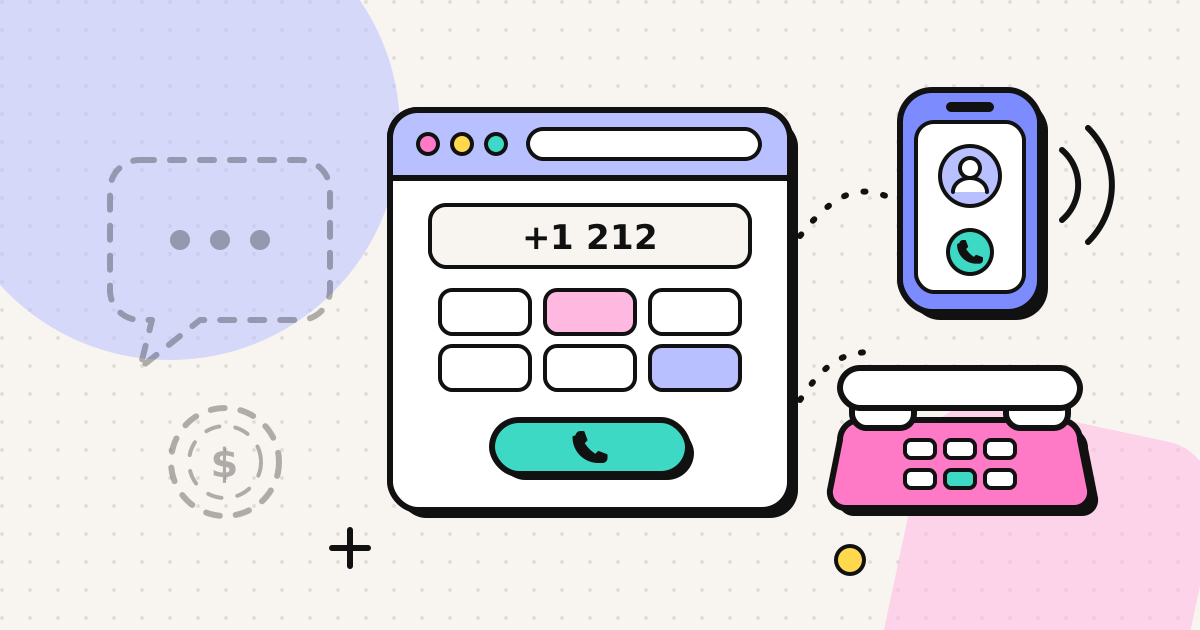
A browser phone uses WebRTC, the audio technology already inside Chrome, Edge, Firefox and Safari, to send your voice to a phone carrier, which rings the number you dialled. There's nothing to install on your side, and the person you're calling simply gets a normal phone call. If you want the mechanics, how a browser phone call works walks through it step by step.
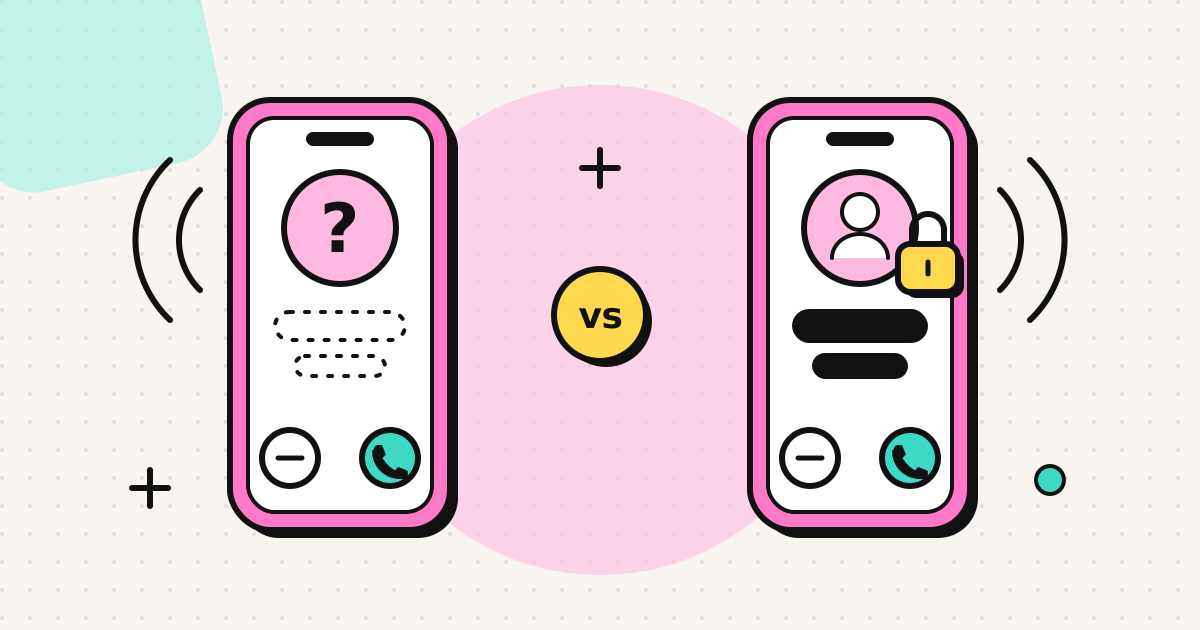
EzyRing was built for exactly the Skype Out use case, with one addition Skype never had for most users: you can verify a phone number you already own, and calls go out with that number as caller ID. Your mother sees your usual mobile number instead of an unfamiliar one, so she picks up, and if she calls back it rings your real phone. How the number displays depends on the recipient's carrier. Cross-border calls usually show it; some countries withhold or replace a same-country number arriving from abroad, so it is never guaranteed. The verified caller ID page explains the limits.
On cost, it works the way Skype Credit did, without the parts people disliked:
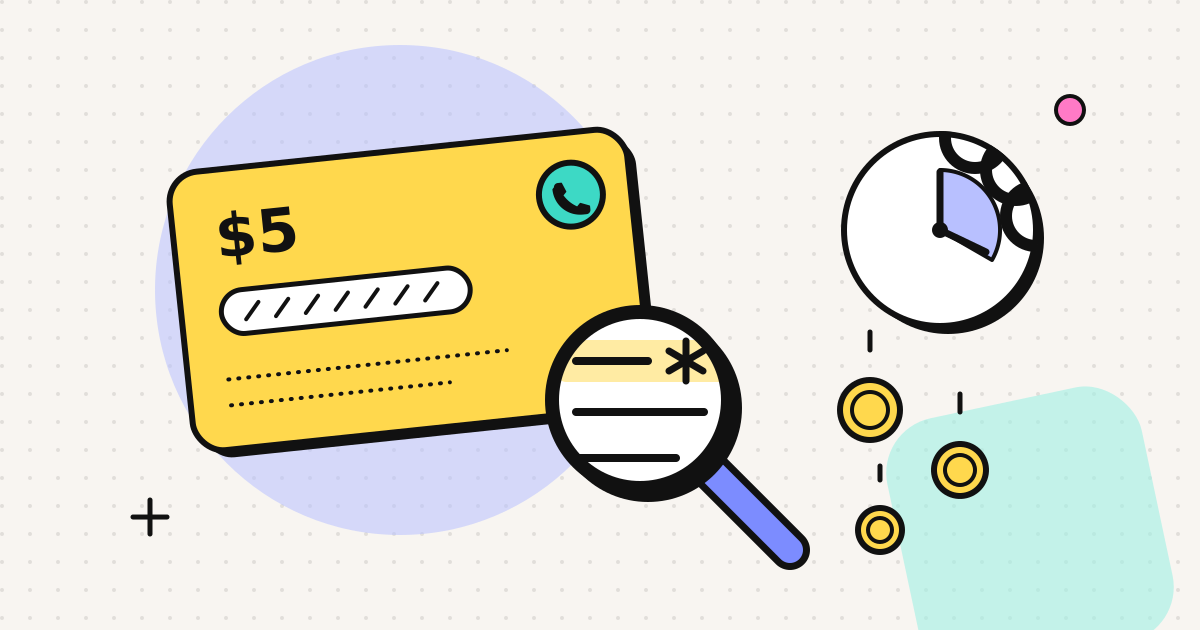
- Prepaid, no subscription. Credit packs start at $5, and credit doesn't expire.
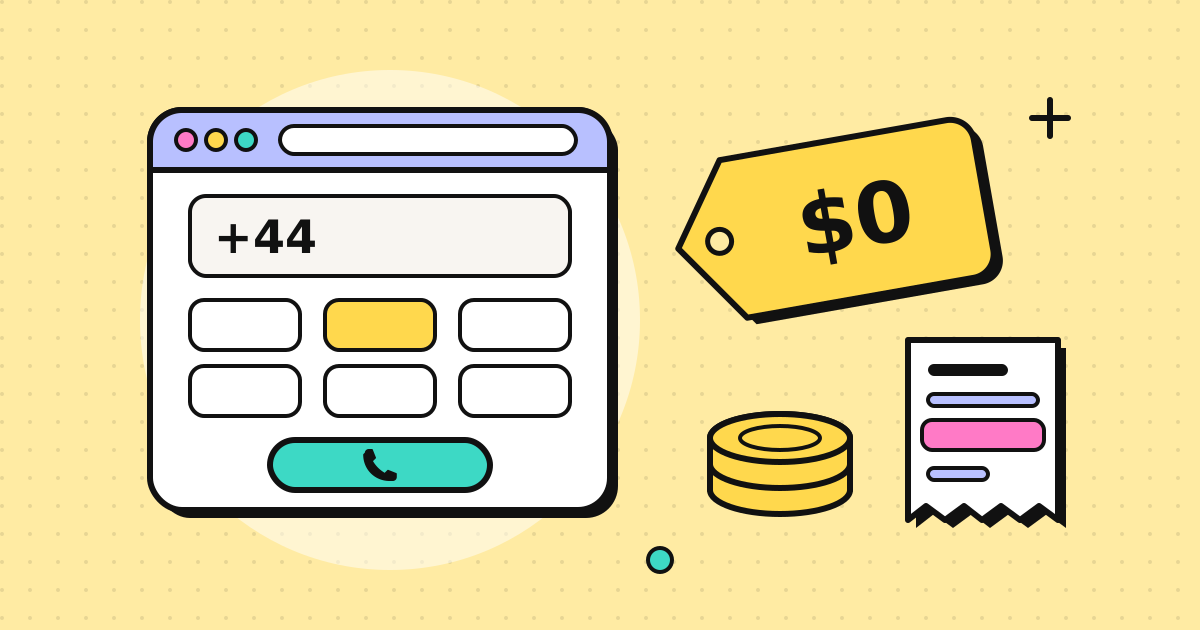
- Rate before you dial. The dialer shows the per-minute rate for the number you typed, and the full rate table is public. Rates start from about $0.025 a minute to the cheapest destinations and are updated weekly.
- No surprise bills. You see the running cost during the call, and the call ends before your credit runs out.
Where it doesn't fit, honestly:
- No incoming number. It is outbound only. If you need people to dial a number that rings your computer, you need a separate virtual number service.
- No video, and it is not for emergency calls.
- Public Beta. The service is live and charging real calls, but still adding features.
Moving your Skype calling over: six steps
If a browser phone suits you, the switch takes a few minutes, most of it spent finding old numbers.
- Save your contacts. If you didn't export your Skype history before the June 2026 cut-off, gather the numbers you called most from your phone or old emails. Write them in international format:
+then the country code, then the number without its leading trunk 0 (London020 7946 0123becomes+44 20 7946 0123). - Create an account. Sign up with an email address.
- Verify your number (optional, recommended). The service calls the number you want to show and you key in the code shown on screen. You need to be able to answer that phone once.
- Top up a small amount. Start with $5 to test. Payment goes through Stripe Checkout.
- Check the rate, then dial. Type the number; the rate appears before you press call. Use the in-call keypad for phone menus ("press 2 for English").
- Test with someone you know. Ask them what number they saw. That tells you how caller ID displays on their carrier before you rely on it for an important call.
For more on the general approach, see our guide on how to make a phone call from your browser.
The short version
Skype Credit is not coming back, Teams Free can't dial phone numbers, and leftover credit only works until it runs out. Pick a replacement by the job you need done: which countries, landline or mobile, what number the other person sees, and whether you want a plan or pay-as-you-go. If most of your calls happened at a desk, a browser phone with your own number as caller ID is the nearest thing to what Skype Out used to be. You can look up the rate for the country you call most before deciding anything.
Frequently asked questions
Can I still use my leftover Skype Credit?
Microsoft's support page says existing Skype Credit can still be used for calling through the Skype Dial Pad, which remaining paid users can open from the Skype web portal or inside Teams Free. You cannot buy more credit, and automatic top-up has been switched off.
Can Microsoft Teams Free call landlines and mobiles?
No. Teams Free (the personal version) does not include calling to ordinary phone numbers. Dialling phone numbers in Teams needs a business Teams Phone licence. The only exception is the Skype Dial Pad for people who still have old Skype Credit.
Can I get a refund for Skype Credit?
Microsoft says subscriptions that ran past 1 May 2026 were cancelled and converted into Skype Credit, and that people with remaining cancelled subscriptions are eligible for a refund. For a plain credit balance, contact Microsoft support and ask; the support page does not promise an automatic refund.
What happened to Skype Numbers?
Microsoft states that all Skype Number subscriptions ended in May 2026 and that port-out requests are no longer available. If you relied on a Skype Number to receive calls, you need a separate inbound number service.
Is there a Skype Out replacement that works without installing anything?
Yes. Browser phones use WebRTC, which is built into Chrome, Edge, Firefox and Safari, to place calls to landlines and mobiles from a web page. The person you call gets a normal phone call and needs nothing installed.
Written by
EzyRing Team
The team that builds EzyRing, a browser phone for calling landlines and mobiles abroad, made in Madrid. Edited by Nazmul Chowdhury, founder of EzyRing.
Ready to make the call?
Sign-up is free. You only pay for the minutes you use.
Prepaid, no subscription
Top up from $5. Credit doesn't expire, and nothing renews.
Rate shown before you call
You see the per-minute price before dialling and the running cost during the call.
Caller ID from a number you verify
Verify a number you own once; calls go out with it. Display depends on the recipient's carrier.
Calls aren't recorded. EzyRing is not for emergency calls.